Keep your menu and promotions fresh without the headache
Update your dishes, launch offers, and keep everything in one place — so you stop telling customers 'that's not on the menu any more.'
Recognise any of these?
Your online menu is out of date and customers keep asking about dishes you stopped serving months ago
You run promotions on scraps of paper and forget to take them down when they expire
Your menu photos live in three different folders on your phone
Updating your website menu takes a call to your web designer and a two-week wait
Without Local Brand Hub
Menu scattered across PDFs, paper, and your head
"Sorry, that's not on the menu any more"
Promotions scribbled on a chalkboard
Photos buried in your camera roll
With Local Brand Hub
One digital menu, always up to date
Changes go live instantly
Professional promos launched in minutes
Organised photo library by dish
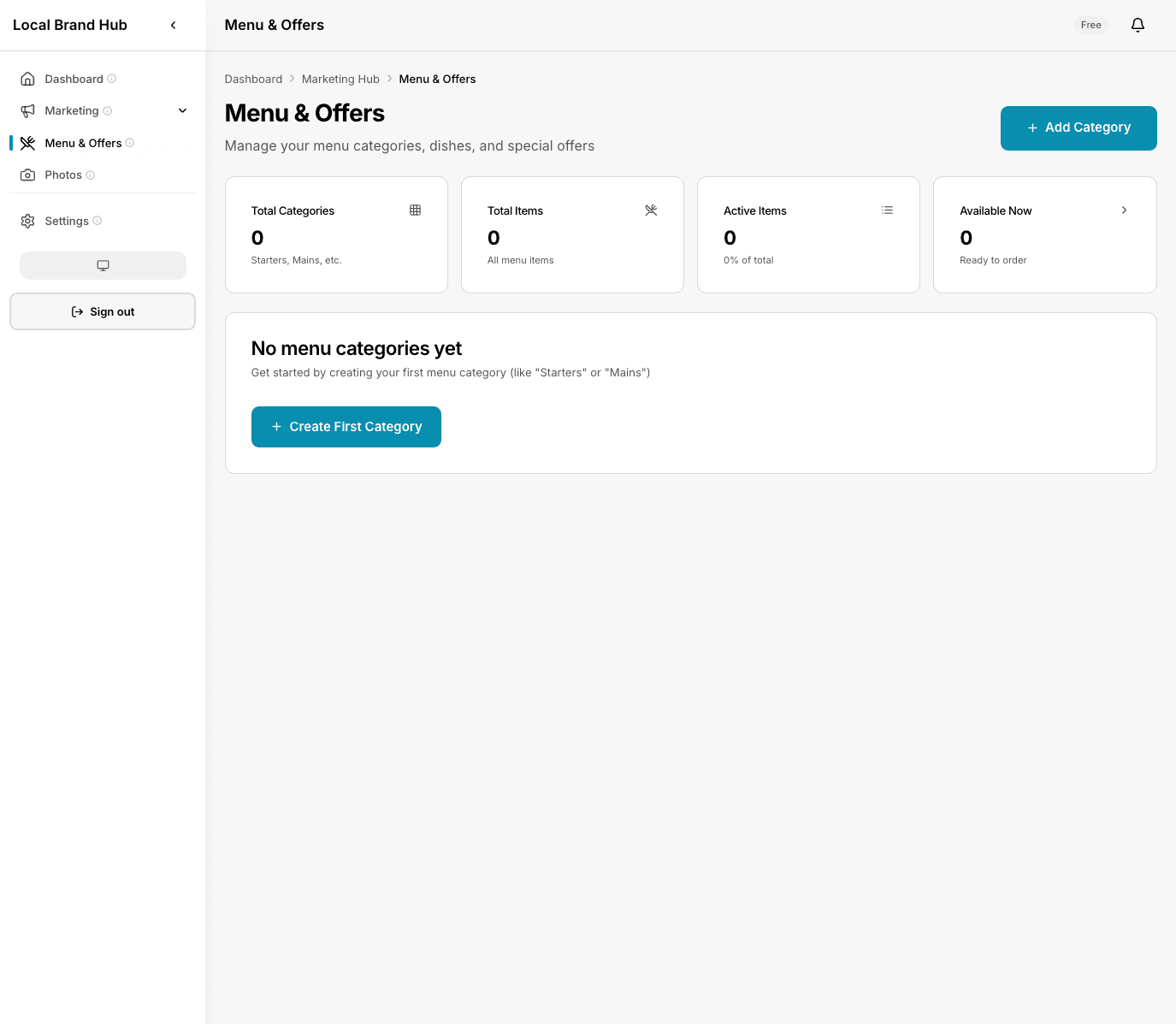
Your full menu — organised, up to date, and ready to share
What changes for your restaurant
One place for your entire menu
All your dishes, descriptions, prices, and dietary info in a single dashboard. Update once, done.
Launch promotions in minutes
Create time-limited offers, happy hour deals, or seasonal specials. Set a start and end date and forget about it.
Keep photos organised
Upload dish photos and link them to menu items. No more scrolling through your camera roll.
Stop juggling spreadsheets
Your menu isn't a spreadsheet problem. It's organised by category, searchable, and always current.
How it works
Add your dishes
Enter your menu items with descriptions, prices, and categories. Upload photos if you have them.
Create promotions
Set up offers with start and end dates. Link them to menu items or create standalone deals.
Keep it current
Update prices, swap out seasonal dishes, and archive old items. Your menu stays fresh without the faff.
A closer look
Menu management made simple
Organise your dishes by category — starters, mains, desserts, drinks — and keep everything up to date from one screen.
- Categorise by course or type
- Add dietary labels (V, VG, GF)
- Upload photos per dish
- Archive seasonal items without deleting
Promotions that run themselves
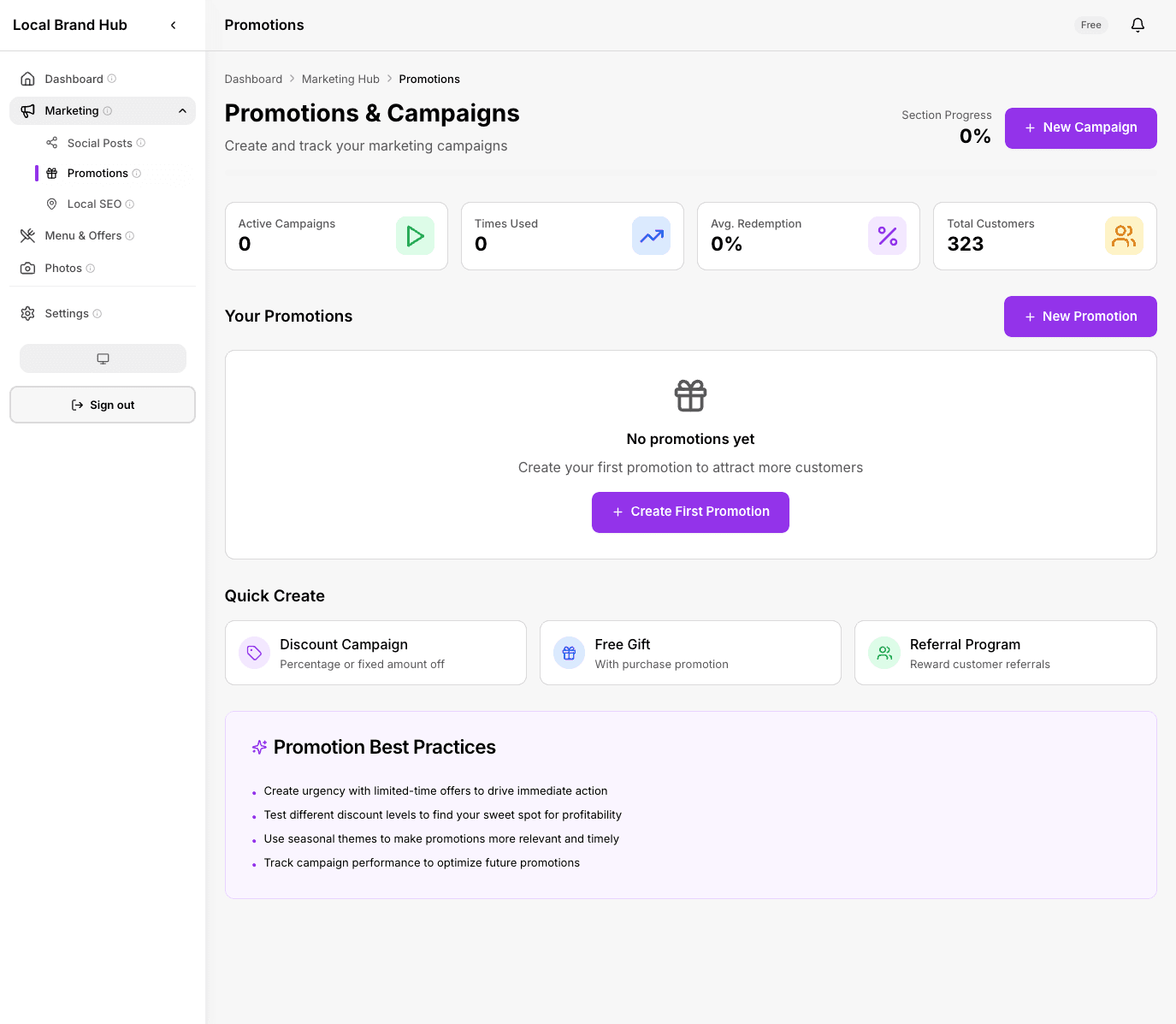
Create offers with start and end dates. They go live automatically and expire on schedule — no more 'sorry, that offer ended last week.'
- Time-limited offers with auto-expiry
- Happy hour and daily specials
- Link promotions to menu items
- Track which offers drive engagement
0% of consumers stop using a business after finding incorrect info online
Outdated menus, expired promotions, and wrong prices cost you customers every day. One dashboard keeps everything current.
Source: BrightLocal Consumer Survey
What you get on each plan
See how this feature differs across plans
Swipe to see all plans
No credit card required
Frequently asked questions
Can customers see my menu online?
The menu dashboard is your internal tool for managing dishes and promotions. You can use the information to update your website, social media, or printed menus.
Can I add dietary information?
Yes. Each menu item can be tagged with dietary labels — vegetarian, vegan, gluten-free, dairy-free, and more.
What happens when a promotion expires?
It moves to your archive automatically. You can reactivate it any time or use it as a template for a new offer.
How many menu items can I add on the Free plan?
Up to 5 menu items and 10 photos on the Free plan. Upgrade to Standard for unlimited items and photos.
Can I organise my menu by category?
Absolutely. Create categories like Starters, Mains, Desserts, Drinks — whatever matches your actual menu structure.
Upload your menu in 5 minutes
One place for dishes, photos, and promotions. No credit card needed.
Start free trialNo credit card required