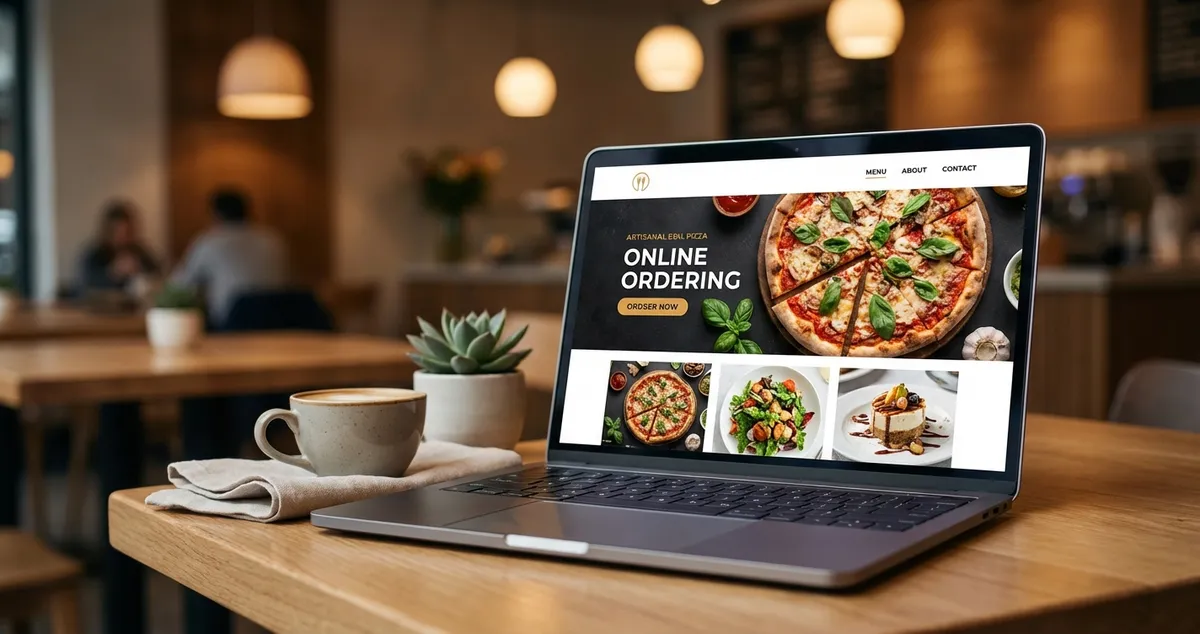
Find the best restaurant website builder for your UK business. Compare Wix, Squarespace, and WordPress with pricing, features, and online ordering options.
You're posting on Instagram, responding to TripAdvisor reviews, maybe even running the odd Facebook ad. Yet when someone Googles your restaurant name, the first thing they see is a bare Deliveroo listing, and you're paying 30% commission on every order that follows.
A restaurant website builder is a specialised platform that enables UK food businesses to create professional websites without coding knowledge. These tools feature built-in online ordering systems, reservation management, and menu displays designed specifically for hospitality, typically costing between £9-55 per month with the ability to launch within a weekend.
Info
Related: See our guide to restaurant social media marketing for building your complete digital presence.
What You'll Learn
- Which website builders typically work well for UK restaurants
- How to compare pricing across major platforms
- What features matter most for online ordering
- A step-by-step approach to launching your site
- The minimum viable effort to get started this week
If you're thinking "I don't have time to build a website," you're not alone. Most restaurant owners feel the same after a 12-hour shift. The good news: modern builders can have you live in an afternoon, not a month.
What Is a Restaurant Website Builder?
The restaurant website builder approach is a method that enables food businesses to create professional websites through drag-and-drop interfaces, without hiring a developer or learning code. Unlike generic website tools, these restaurant-specific builders include pre-configured features: menu displays with pricing, online ordering systems, table reservations, and integration with delivery platforms.
Restaurant-Specific Advantage
The key difference from standard builders is that everything comes pre-configured for hospitality. You won't spend hours searching for plugins or wrestling with layouts: templates already account for food photography, business hours, and location maps.
For example, a gastropub in Manchester might use Wix's restaurant template to launch a site with:
- A visual menu organised by course
- Online ordering for takeaway fish and chips
- A reservation widget for Sunday lunch bookings
- Integration with their Google Business Profile
For UK restaurants specifically, look for builders offering UK payment processors (Stripe, SumUp), GDPR compliance features, and templates that reflect British dining expectations.
Why Your Restaurant Needs Its Own Website
You might wonder whether a website matters when you're already on Deliveroo or Just Eat. Here's the reality: 88% of UK restaurant owners say off-premise dining will be extremely or somewhat important to revenue in 2025 (Expert Market).
Third-party delivery platforms typically charge commissions between 20-35% per order. Your own website with integrated ordering often keeps 100% of that margin.
Here's what that looks like in practice:
- A pizza restaurant doing 50 online orders weekly at £25 average
- Pays Deliveroo roughly £250-£437 in weekly commission
- With your own ordering system, that money stays in your till
- Potential annual savings: £13,000-£22,750
Beyond ordering, your website typically builds brand equity that platforms often can't touch. When a customer searches "Italian restaurant near me," Google weighs your website's authority alongside your Google Business Profile. No website can often mean weaker local search presence.
Analytics Check
If you can't tell whether your website brings actual bookings or just looks nice, that's usually a sign the strategy needs tightening, or that you need a website in the first place.
Which Platform Should You Choose?
Now that you understand why a restaurant website matters, let's examine the major platforms available to UK restaurants in 2025. Each has distinct strengths depending on your priorities.
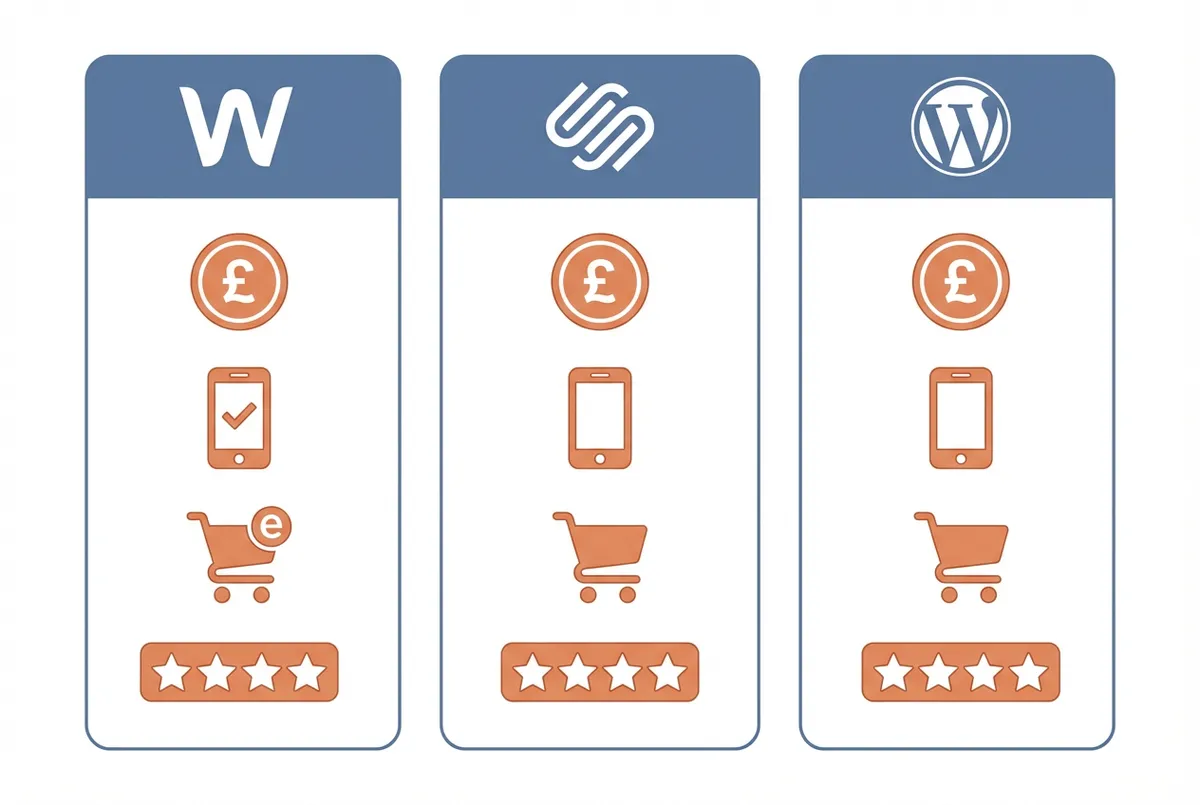
Platform comparison for UK restaurants
Platform Comparison Table (Rule of Thumb)
Ratings reflect typical user experience; your mileage may vary based on technical comfort and specific needs.
| Platform | Starting Price | Strength | Online Ordering | UK Payment Support |
|---|---|---|---|---|
| Wix | £9/month | Design flexibility | Built-in | Many gateways |
| Squarespace | £12/month | Visual storytelling | Via integrations | 5 options |
| WordPress | £2.95/month + hosting | Full control | WooCommerce plugin | Extensive |
| Chowly | Custom pricing | High-volume operations | Zero-commission | Full integration |
| BentoBox | Custom pricing | Premium branding | Included | US-focused |
Top Recommendation
If you only pick one, start with Wix: it typically offers a strong combination of ease-of-use, restaurant-specific features, and reasonable pricing for many restaurants.
Wix: Strong on Design Flexibility
Wix offers over 900 templates with a drag-and-drop editor that requires no technical knowledge. For restaurants, this means you can customise every element (move your menu section, add photo galleries, or embed videos) without touching code.
The platform supports many payment gateways, making it straightforward to accept UK card payments, Apple Pay, and Google Pay. Built-in inventory management and tax calculations simplify online ordering.
For instance, a family-run Indian restaurant might choose Wix to showcase their tandoori dishes with full-screen photography, then add a "Click & Collect" ordering system that sends notifications directly to the kitchen printer.
Often ideal for: Restaurants wanting creative control without hiring a developer.
Squarespace: Strong on Visual Impact
Squarespace's professionally-designed templates are widely regarded as among the most polished available. If your restaurant's appeal relies on atmosphere and food presentation, Squarespace often makes your imagery shine.
The platform includes abandoned cart recovery and live shipping rates, useful if you sell merchandise or branded goods alongside food. However, it offers fewer payment gateway options than Wix.
A fine-dining restaurant in Edinburgh might choose Squarespace specifically because their tasting menu experience needs to be "sold" through stunning visuals before guests book a £150 per head dinner.
Often ideal for: Cafes, bistros, and fine dining establishments prioritising aesthetics.
WordPress: Strong on Long-Term Control
WordPress powers a significant share of online stores through its WooCommerce plugin (WooCommerce). The initial cost often appears lowest, but factor in hosting (£2.95-£25/month), premium themes (£50-£200 one-time), and essential plugins.
The learning curve is steeper. You'll need to manage updates, security, and backups yourself, or pay someone who does. But the trade-off is complete ownership and extensive customisation.
A restaurant group with five locations might choose WordPress because they need custom integrations with their central inventory system, something template-based builders can't easily accommodate.
Often ideal for: Restaurants with technical resources or plans to scale significantly.
Restaurant Website Builder With Online Ordering
With your platform chosen, let's focus on the feature that can make or break your ROI: online ordering. Online ordering isn't optional anymore. It's often expected. If you can't tell whether your ordering system actually converts browsers into buyers, that's usually a sign something needs fixing.
Key Features
When evaluating a restaurant website builder with online ordering capabilities, prioritise these four features: commission-free transactions, POS integration, mobile-optimised checkout, and scheduled ordering.
Commission-free transactions. Some platforms take a percentage of each order. Dedicated restaurant platforms like Chowly and Dinerly emphasise zero-commission ordering, letting you keep more of your revenue. For example, a busy fish and chip shop processing 200 online orders weekly could save significantly compared to 15% platform fees.
POS integration. Orders should ideally flow directly into your existing point-of-sale system. Manual re-entry typically wastes time and can introduce errors during the Saturday rush.
Mobile-optimised checkout. Many customers order from phones. If your ordering flow requires pinching and zooming, you may lose sales to competitors with smoother experiences.
Scheduled ordering. Let customers place orders in advance for pickup. This can smooth kitchen workflow and may reduce rush-hour pressure: imagine knowing your Friday evening orders by 3pm.
For UK restaurants near London or Manchester, local SEO for restaurants typically matters significantly. Ensure your builder allows location-specific pages and integrates cleanly with Google Business Profile, and our local SEO tools can keep that listing consistent once you are live.
How to Choose the Right Builder
Here's where it gets practical. If you're reading this after a long shift thinking "just tell me what to pick," fair enough. Here's the simple version.
Decision checklist:
- Do I need online ordering? → If yes, lean toward Wix or a dedicated platform
- Will I manage this myself? → If yes, Wix or Squarespace; if no, consider managed services
- What's my monthly budget? → Under £20: Wix/Squarespace; flexible: explore Chowly/BentoBox
- How important is custom design? → High: WordPress; moderate: Squarespace; low: Wix with template
If you find yourself saying "yes" to online ordering but "no" to technical management, that's usually a sign you need Wix or Squarespace rather than WordPress.
For example, a takeaway-focused curry house prioritised online ordering over custom design: Wix got them live in a weekend. A boutique wine bar chose Squarespace because their ambiance sells the experience before guests arrive.
Why This Matters
Choosing the wrong builder means either outgrowing it within a year (costly migration) or paying for features you'll never use (wasted budget). Get this decision right once.
AI Website Builders: The New Option
Furthermore, there's a newer category worth considering. AI-powered builders represent one of the fastest-growing segments in 2025. These platforms generate complete website structures from simple text prompts: type "menu grid, hours, location, booking form" and the AI builds your layout.
Key capabilities of AI builders:
- Automatic menu formatting. Upload a PDF or photo; the AI structures it into a responsive display
- SEO optimisation. AI analyses your content and suggests improvements for local search
- Content generation. Descriptions, meta tags, and page copy created from minimal input
- Image libraries. Access to millions of stock and AI-generated images
Platforms like Butternut AI charge £15-£55/month for restaurant-specific AI features. Figma's AI builder and Dinerly offer similar capabilities at varying price points.
For instance, a new cafe owner with no tech background might describe their concept ("cosy brunch spot with avocado toast and flat whites") and receive a complete website structure in under 10 minutes.
The trade-off? Less granular control than traditional builders. Avoid AI builders because they limit customisation: manual builders typically deliver more precision if you want pixel-perfect design.
Step-by-Step: Launch Your Restaurant Website
Now let's get into the actual build process. Here's the practical path from nothing to live website. A typical Italian trattoria owner, for example, completed this entire process on a quiet Wednesday afternoon.
Total time: 6-8 hours spread across a week, or one dedicated afternoon.
Step 1: Gather your assets (1-2 hours)
Collect your menu (current prices), 10-15 quality food photos, your logo, business hours, address, and phone number. Smartphone shots in natural light work fine for launch.
Step 2: Choose your platform (30 minutes)
Select the builder matching your priorities. Start a free trial: many platforms offer 14 days without payment details.
Step 3: Select a template (15 minutes)
Filter by "restaurant" or "food" categories. Pick one that roughly matches your aesthetic. Templates are fully customisable.
Step 4: Add your content (2-3 hours)
Replace placeholder text with your information. Upload photos to the gallery. Input your full menu with descriptions and prices.
Step 5: Configure ordering (1 hour)
Connect your payment processor (Stripe works for most UK restaurants). Set up order notifications. Test with a small order yourself.
Step 6: Connect your domain (30 minutes)
If you own yourestaurant.co.uk, connect it in settings. If not, purchase one through your builder (typically £10-15/year).
Step 7: Go live (30 minutes)
Publish your site. Post on social channels. Update your Google Business Profile with the new website link.
Minimum Viable Effort: This Week's Plan
If you only have 30 minutes a week, do this:
- Day 1-2: Sign up for Wix or Squarespace free trial. Pick a restaurant template.
- Day 3-4: Add your menu, address, phone number, and business hours.
- Day 5-6: Upload 5-10 food photos. Add your logo if you have one.
- Day 7: Publish on the free subdomain (yourbusiness.wixsite.com). Share the link.
This gets your site live. You can refine later: add online ordering, connect a custom domain, expand your photo gallery. But a basic site today beats a perfect site never.
Stay Consistent
Here's the uncomfortable truth: if you're only updating your website when it's quiet you'll always lose to competitors who treat their online presence as part of daily operations. Your website isn't a marketing project. It's your second front door, and it never closes.
Common Mistakes to Avoid
Here are the pitfalls that trip up most restaurant owners, and how to sidestep them:
Overcomplicating your first version. Don't spend months perfecting animations. Launch simple. Add features based on what customers actually request. A bistro owner who spent three months on design would have been better served going live in week one.
Ignoring mobile users. That's usually a sign of trouble: preview your site on your phone before publishing. If text is too small or buttons too close together, fix it.
Forgetting local SEO basics. Include your city and neighbourhood in page titles. "Mario's Italian | Islington, London" beats "Mario's Italian" for local searches.
Skipping the Google Business link. Never launch without connecting your Google Business Profile. Once live, add your website URL immediately: this strengthens your local search ranking.
Not testing orders yourself. Resist the urge to skip testing: place a real order. Pay with your own card. Follow the entire customer journey.
Quick Test
Would you follow your own ordering process if you were hungry and impatient? If not, simplify it.
Key Takeaways
If you run a restaurant and want to see how Local Brand Hub can support your marketing, explore our restaurant marketing tools.
Key Takeaways
The restaurant website builder market offers genuine options for every budget and skill level. Here's what matters:
- Wix often delivers a strong balance of flexibility, features, and ease for many UK restaurants
- Squarespace wins for visual-first businesses where atmosphere sells
- WordPress suits technically confident operators planning long-term growth
- AI builders accelerate setup but trade some customisation control
- Zero-commission ordering on your own site can save hundreds weekly versus delivery platforms
The global website builder market reached approximately £4.4 billion in 2025 (Research and Markets). Restaurant-specific platforms are expanding to serve the many independent UK restaurants (Mordor Intelligence).
Weekly Action
- Pick one platform from this guide (Wix recommended for most)
- Start the free trial today
- Have your basic site live by the weekend
You don't need perfection; you need presence.
For UK restaurants
Need Help Building Your Restaurant Website?
Local Brand Hub helps UK restaurants get online with the right platform and features for their needs.
Start freeGet More Marketing Tips
Practical marketing tips for UK business owners, straight to your inbox. No spam, unsubscribe anytime.
About the Author
Local Brand Hub
Empowering UK Businesses
Local Brand Hub provides comprehensive business management tools designed specifically for UK local businesses to streamline operations, automate marketing, and grow revenue.
More articlesRelated Articles
 Marketing Tips
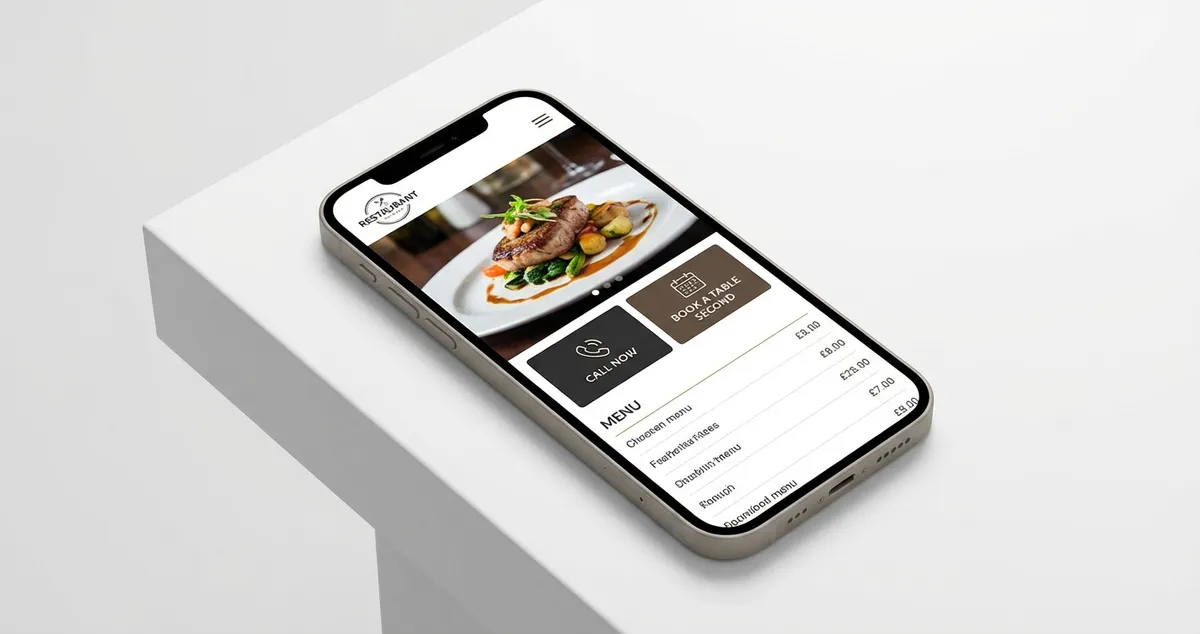
Mobile Restaurant Website: Essential UK Design Guide 2025
Create mobile restaurant websites that convert visitors to diners. Essential features, templates, builders, and UK costs.
 Marketing Tips
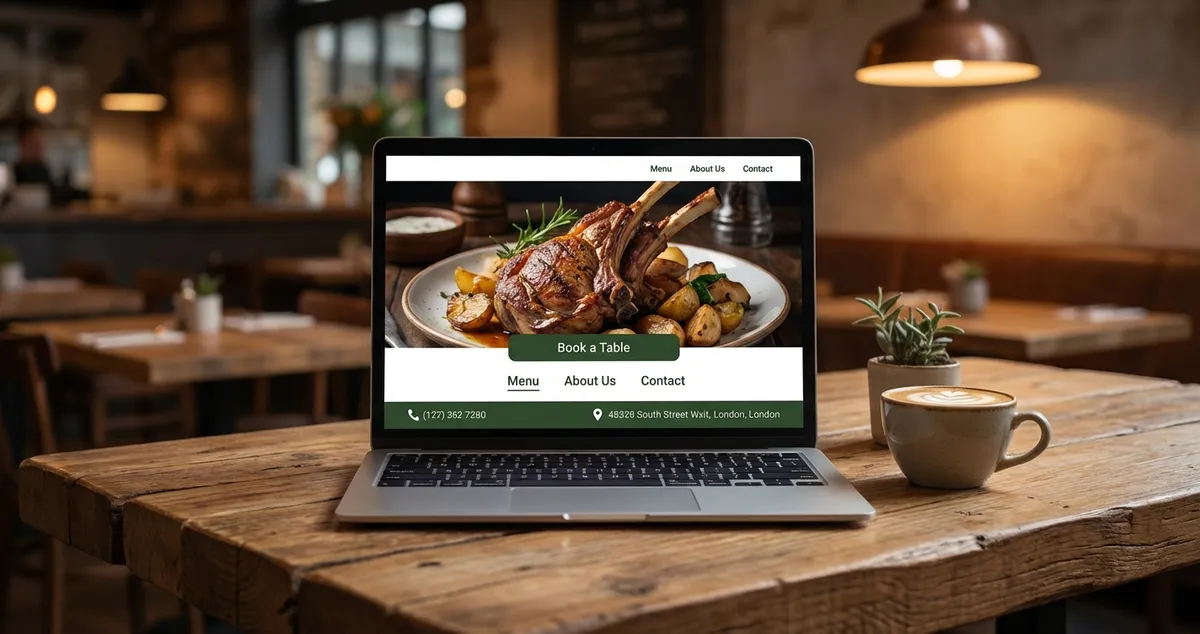
Restaurant Homepage Design: 7 Elements That Convert
Learn 7 essential restaurant homepage design elements that convert visitors into diners. Mobile-first layouts and booking buttons.
 Marketing Tips
Restaurant Website Cost UK: Complete 2025 Pricing Guide
UK restaurant website costs compared: DIY from £15/month, freelancers from £1,000, and agencies from £5,000. Find the right fit for your budget.