Learn how to remove Google reviews that violate policies. Step-by-step UK flagging process, appeals, CMA rules, and what to do when Google refuses to act.
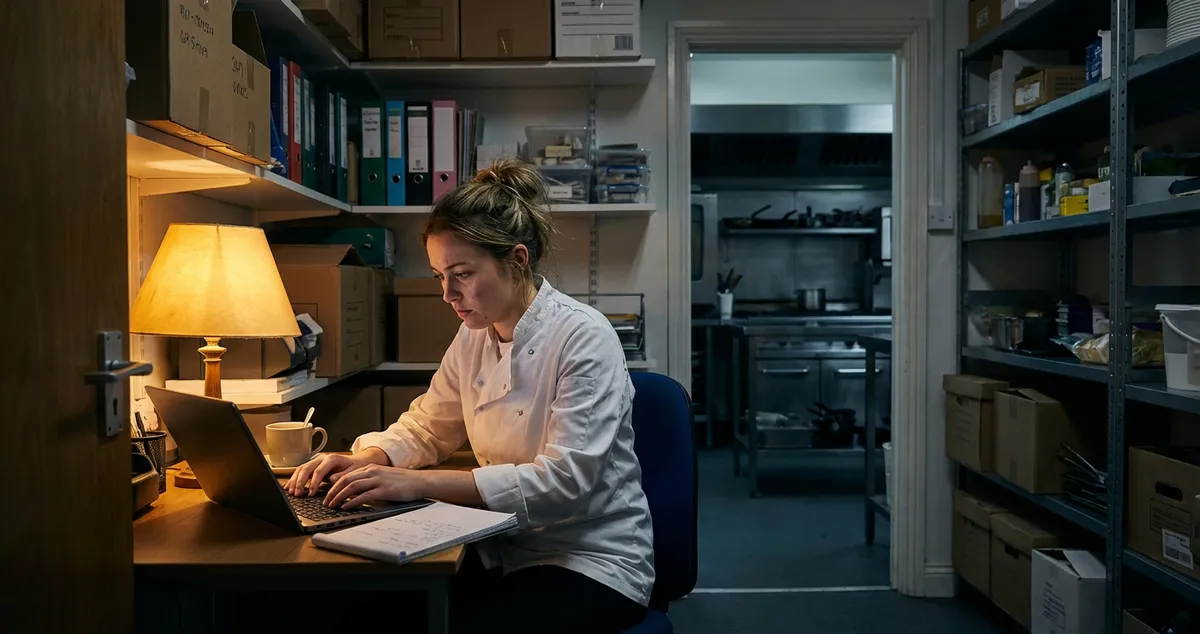
You've just finished a 12-hour shift. You're exhausted. You open your phone to check your restaurant's Google Business Profile and there it is: a one-star review from someone you've never served, claiming the food was "disgusting" and the staff "rude." Your heart sinks. You know it's fake. Google doesn't.
This guide walks you through the exact flagging process, what proof you need, and the new UK regulations that give businesses more protection.
What You'll Learn
First, here's what this guide covers so you can jump to what you need:
- Which reviews Google will actually remove (and which it won't)
- The step-by-step flagging and appeal process
- How long removal takes in 2026
- New CMA rules that protect UK businesses
- What to do when flagging doesn't work
Can You Remove Google Reviews on Your Business?
Now that you know what's ahead, let's start with the fundamentals. Before diving into the removal process, you need to understand what Google will actually remove. This saves you from wasting time flagging reviews that Google will never take down.
The short answer: You can request removal, but Google makes the final decision. Only reviews that violate Google's specific content policies are eligible for removal. Simply being negative, unfair, or even factually incorrect isn't enough for Google to take action.
Google's Policy Violations: The Four Main Categories
- Spam and fake content: Reviews from people who never visited, duplicate reviews, or bot-generated content. For example, a Brighton bistro spotted three one-star reviews from accounts created the same week, all with similar wording. These are the easiest to get removed.
- Harassment and hate speech: Personal attacks, discriminatory language, or threats against staff.
- Conflict of interest: Reviews from competitors, former employees, or family members. For instance, a London cafe discovered the one-star reviewer was married to a rival coffee shop owner.
- Off-topic content: Reviews about unrelated matters, political rants, or third-party disputes. For example, reviews complaining about parking when you don't control the car park.
If you're reading this thinking "But my bad review doesn't fit any of those," you're not alone. The reality for most restaurant owners is that genuinely unfair reviews often fall outside Google's removal criteria.
Good news for UK businesses: In January 2025, the Competition and Markets Authority (CMA) secured commitments from Google to take stricter action against fake reviews (CMA, 2025).
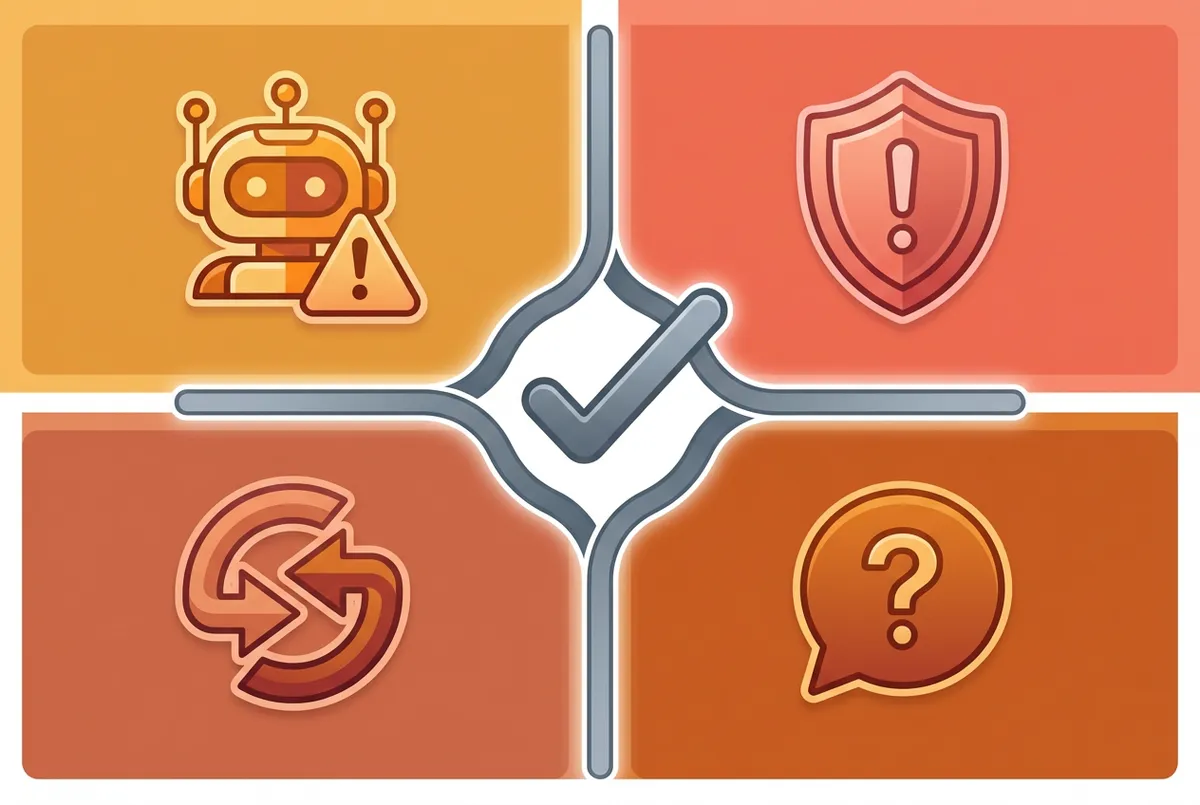
The four categories of policy violations Google will act on
How to Flag a Google Review for Removal: Step-by-Step
With the policy violations clear, let's move on to the actual process. Here's the exact method to flag a Google review and request removal from your Google Business Profile.
For example, a cafe owner in Manchester flagged a review from someone claiming they "waited 45 minutes for cold coffee" on a day the cafe was closed for refurbishment. By flagging it as fake content, Google removed the review within two weeks.
Step 1: Locate the Review
- Open Google Maps and search for your business name
- Click on your business listing
- Scroll down to the Reviews section
- Find the problematic review
Step 2: Flag the Review
- Click the three dots (menu icon) next to the review
- Select "Report review"
- Choose the most accurate violation category:
- Spam or fake content
- Off-topic
- Conflict of interest
- Profanity or hate speech
- Bullying or harassment
- Discrimination or hate speech
- Personal information shared
Choose the Right Category
Choosing the wrong category may cause Google to reject your request or delay processing. Be specific and accurate.
Step 3: Use the Reviews Management Tool
For better tracking, use Google's dedicated Reviews Management Tool:
- Visit Google's Reviews Management Tool in your Business Profile settings
- Confirm your email matches your Business Profile
- Select your business
- Click "Report a new review for removal"
- Find the review and click "Report"
- Select your reason and submit
How Long Does Google Take to Remove a Review?
Having submitted your flag, the next question everyone asks is: how long will this take? The typical timeline varies based on case complexity:
| Stage | Timeframe |
|---|---|
| Initial review | 3-14 days |
| Standard cases | 1-3 weeks |
| Appeals | +2-14 days |
| Complex cases | 3+ weeks |
For instance, a Birmingham restaurant flagged bad reviews after a competitor launched a smear campaign. Straightforward spam flags were resolved in five days, while harassment claims took three weeks.
What to Expect During the Process
According to industry sources, flagged reviews typically take 1-3 weeks for Google to evaluate, though straightforward spam violations detected by automated systems may be removed within hours to a few days (WolfPack Advising, 2025). More complex cases take significantly longer.
The process is anonymous. The reviewer won't know who flagged their content. But removal is never guaranteed, even when you follow the process correctly, Google only removes reviews that clearly violate specific policy provisions.
The Waiting Game
If you're dealing with fake reviews during a busy period, this waiting game can feel unbearable. The quiet Wednesday nights are hard enough without watching your rating drop from 4.6 to 4.2 over false claims.
Case study: A Newcastle gastro-pub flagged three fake reviews from accounts that had targeted five other restaurants on the same street, all accounts created within a week. Google removed two in five days but took three weeks on the third because it contained more detailed (fabricated) complaints.
What Proof Do You Need?
Understanding how long the process takes naturally leads to the next question: what evidence do you need? While Google doesn't require you to submit proof when initially flagging a review, the system relies on their AI moderation and human reviewers to assess violations.
However, having documentation ready helps if you need to:
- Submit an appeal after initial rejection
- Contact Google support for escalation
- Take legal action for defamatory content
Useful evidence includes:
- Booking records proving the reviewer never visited
- CCTV footage contradicting their claims
- Transaction records showing no purchase was made
- Screenshots if the reviewer admits to fake reviewing elsewhere
- Documentation of reviewer being a competitor or former employee
For reviews containing factual lies (not just opinions), UK law provides additional protection through defamation claims. The reviewer must prove their statements are true, not you.
Document Everything
If a reviewer claims "I found a cockroach in my food" and your environmental health record shows no infestations, that's potentially defamatory. Document everything: you may need it for legal channels.
How Do You Manage Negative Google Reviews?
So far we've covered how to remove reviews that violate policy. But here's where it gets tricky: not every bad review violates policy. For legitimate negative reviews, you need a different strategy entirely.
If you can't tell whether a negative review is policy-violating or just unfair, that's usually a sign you should respond professionally rather than flag it.
Respond Professionally
When you can't get a review removed through flagging, a well-crafted response often matters more than the review itself. Future customers read how you handle criticism.
For example, a fish and chip shop in Leeds received a one-star review claiming "overpriced and greasy." Instead of arguing, the owner thanked the customer and explained their sustainably-sourced fish. The response got more "helpful" votes than the review itself.
Example response structure:
- Thank them for feedback
- Apologise for their experience (without admitting fault for false claims)
- Take the conversation offline with contact details
- Briefly clarify factual errors if necessary
Request Updated Reviews
If you resolve a customer's issue, politely ask if they'd consider updating their review. Most people won't, but some do.
Build Review Momentum
The best defence against occasional bad reviews is a steady flow of positive ones, and tracking your online visibility score shows how those reviews add up alongside the rest of your local presence. Even one negative review among fifty has minimal impact on your overall rating.
If you're only responding to reviews when you remember, you'll always lose to competitors who check their profile daily. Consistency beats perfection.
Info
How Do You Hide Google Reviews from the Public?
Some restaurant owners wonder if there's another way entirely. When the flagging process fails, many search for workarounds. The hard truth: you can't hide individual Google reviews. Google doesn't offer a visibility toggle for reviews you dislike. Your options are removal (for policy violations) or response (for legitimate criticism).
For instance, a tearoom owner in York tried everything to hide a one-star review from a customer who complained about "too much tea in the teapot." The review wasn't a policy violation, just an odd complaint. Her solution? She responded professionally and collected 40 new five-star reviews that pushed it off the first page.
Your Three Alternatives
Option 1: Disable Reviews Entirely: You can request to disable the review function entirely. The catch? You lose all reviews, including positive ones. Your star rating disappears. For most restaurants, this cure is worse than the disease.
Option 2: Legal Removal: Under UK defamation law, you must prove the statement caused serious harm to your reputation. This is expensive, slow, and rarely practical for individual reviews.
Option 3: Wait for Google's Systems: Google's AI continuously scans for violations. Some fake reviews get removed automatically weeks or months later. In 2025, Google's review deletion rates increased significantly, with nearly 2% of monitored business locations experiencing at least one review deletion per week at the peak in July (GMBapi, 2025).
Can You Delete a Bad Review on Your Google Business Page?
No. Business owners cannot directly delete any Google review. Only two entities can:
- Google: following a policy violation determination
- The reviewer: choosing to delete their own review
You can flag, appeal, and escalate, but the delete button doesn't exist for you. What you can do:
- Flag policy violations using the process above
- Appeal rejections through the Reviews Management Tool
- Contact Google support for escalation (results vary)
- Pursue legal action for defamatory content
- Respond professionally to show your side
For instance, a curry house in Bristol had a review from a competitor's relative. The initial flag was rejected, but on appeal with evidence of the family connection, Google removed it within 10 days.

The complete flagging and appeal process for removing Google reviews
How to Appeal a Rejected Google Review Removal
What happens when your initial attempt gets rejected? You have one appeal opportunity:
- Go to your Google Business Profile's Reviews Management section
- Confirm your email
- Select your business
- Choose "Check the status of a review I reported previously and appeal options"
- Click "Appeal eligible reviews"
- Select the review (you can select up to 10)
- Fill out the appeal form with specific details
- Submit
Tips for successful appeals:
- Be specific about which policy was violated
- Quote the exact policy language from Google's guidelines
- Avoid emotional language: stick to facts
- Explain why the initial assessment missed the violation
Appeals typically take 2-14 additional days. This is often your last chance through official channels, so make it count.
Appeal Template
A successful appeal might state: "This review violates Google's conflict of interest policy. The reviewer [name] is the son of [competitor name], owner of [competitor business] located 200m away. LinkedIn profile showing family relationship: [link]."
New UK Rules: What the CMA Agreement Means for Your Business
UK businesses now have new legal protections. The Digital Markets, Competition and Consumers Act changed everything for fake reviews in the UK. Since 6 April 2025, fake and undisclosed incentivised reviews are explicitly banned, with direct penalties.
Key changes under the CMA-Google agreement:
| Change | Impact |
|---|---|
| Warning labels | Businesses caught using fake reviews display visible warnings |
| Global reviewer bans | Anyone posting fake reviews for UK businesses gets banned |
| Expanded sanctions | Google will sanction both fake reviewers and businesses using them |
| Faster reporting | New tools make reporting faster for UK users |
The CMA estimates that £23 billion of UK consumer spending is influenced by online reviews annually. These new rules make it easier to get fake reviews removed, protecting both businesses and consumers.
What This Means for Restaurant Owners
- Fake review services are riskier: the penalties now include fines up to 10% of global turnover
- Competitors using fake reviews face consequences: report suspicious patterns
- Your legitimate reviews become more valuable: as fake ones get removed
If you're only flagging reviews when your rating drops, you'll always lose to competitors who monitor and flag suspicious activity weekly.
What to Do When Nothing Works
Finally, let's address what happens when all your attempts fail. You've followed every step. You've flagged, appealed, and still the review sits there. Sometimes the system fails you even when you've done everything right.
Case study: A family-run Italian restaurant in Edinburgh spent three months trying to remove a review falsely claiming they'd served "raw chicken." Despite environmental health records proving otherwise, Google declined removal. Their solution? They pinned their five-star hygiene certificate to their response and focused on collecting genuine reviews. Within six months, their rating recovered from 4.1 to 4.6.
If you've exhausted the flagging process, you have limited options:
Professional Reputation Management: Companies like Removify specialise in review removal. Some claim 90% success rates, but verify their methods. Google explicitly bans manipulation tactics, and getting caught could harm your business further.
Legal Action: For genuinely defamatory reviews (false statements causing serious harm), consult a solicitor. UK defamation law provides recourse, but litigation is expensive.
Focus on What You Control: Sometimes the best strategy is accepting that one bad review won't define your business. Focus on generating more genuine positive reviews, responding professionally, and delivering excellent service that speaks for itself.
Info
Related: Responding to Restaurant Reviews
Frequently Asked Questions
Can businesses have bad Google reviews removed?
Yes, but only if the review violates Google's policies. You can flag spam, fake content, harassment, conflicts of interest, or off-topic reviews. Simply being negative or unfair doesn't qualify. A review saying "worst service ever, waited 30 minutes" won't be removed even if you served them in 10: that's a dispute over facts, not a policy violation. A review from a competitor's spouse? That's a conflict of interest Google will remove.
How do you remove negative reviews on Google?
The process is straightforward: 1) Go to Google Maps and find your business, 2) Click the review's three-dot menu, 3) Select "Report review," 4) Choose the violation category. If rejected, submit one appeal through the Reviews Management Tool. For instance, a pub in Glasgow successfully appealed by providing LinkedIn evidence that the reviewer worked for a rival establishment.
How long does Google take to remove a flagged review?
Google typically takes 3-14 business days for initial review of flagged content. Straightforward violations may be resolved in 3-5 days, while complex cases can take up to 3 weeks. Appeals add an additional 2-14 days. There's no way to expedite the process.
Can I pay to have Google reviews removed?
No legitimate way exists to pay to have Google reviews removed. Third-party services claiming to remove reviews for a fee often use tactics that violate Google's policies. Getting caught using these services could result in penalties for your business, including suspended review functions. See our guide on can you delete Google reviews for the full breakdown.
Key Takeaway
Key Takeaway
You cannot directly delete Google reviews: only Google or the original reviewer can. But you can flag reviews that violate policy (spam, harassment, conflicts of interest, off-topic content) through Google Maps or the Reviews Management Tool. Typical removal takes 1-3 weeks with one appeal opportunity. UK businesses have new protections under the CMA-Google agreement since 2025. When removal fails, respond professionally and build review momentum: a steady stream of genuine positive reviews is your best long-term defence.
If you run a restaurant and want to see how Local Brand Hub can support your marketing, explore our restaurant marketing tools.
This Week's Action Plan
Day 1-2: Audit your Google reviews. Flag any that clearly violate policy (fake, spam, harassment, conflict of interest).
Day 3-4: For each flagged review, note the status. Draft professional responses for any negative reviews you haven't addressed.
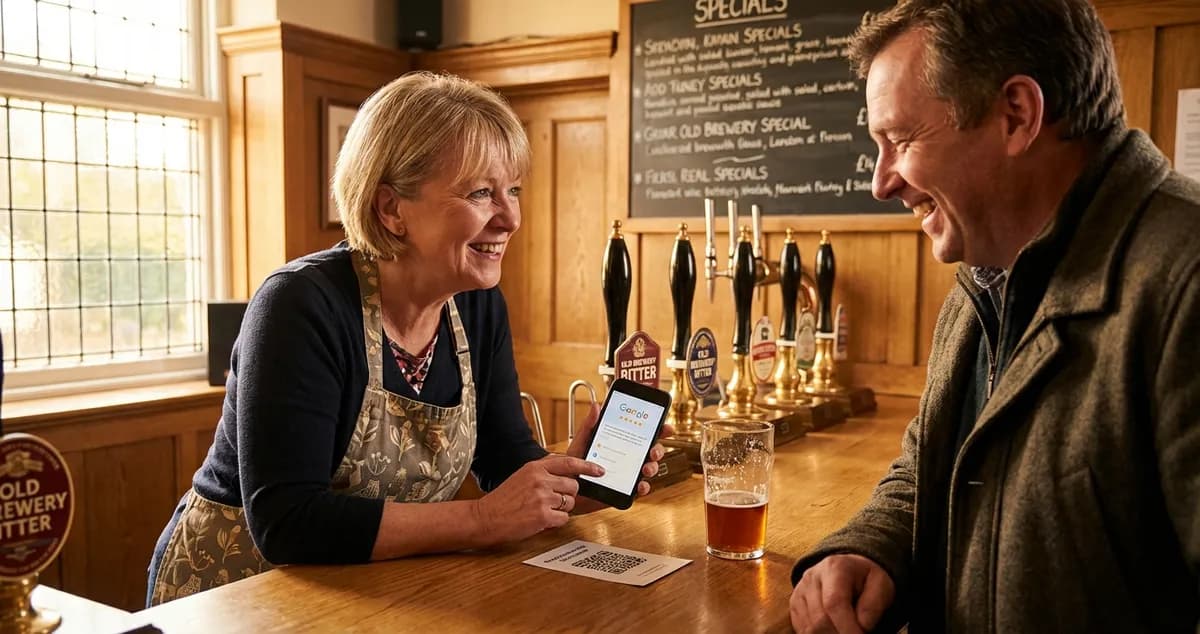
Day 5-7: Set up a simple system to ask happy customers for reviews. Even a card by the till with a QR code to your Google profile helps.
Weekly habit: Review your Google Business Profile every Monday. Check for new reviews and respond within 48 hours. Flag one suspicious review if you spot one.
For UK restaurant owners
Keep Your Google Listing in Shape
LocalBrandHub shows UK restaurants their Google rating and review count with a link straight to Google to reply, so you can focus on running your restaurant.
Start FreeGet More Marketing Tips
Practical marketing tips for UK business owners, straight to your inbox. No spam, unsubscribe anytime.
About the Author
Local Brand Hub
Empowering UK Businesses
Local Brand Hub provides comprehensive business management tools designed specifically for UK local businesses to streamline operations, automate marketing, and grow revenue.
More articlesRelated Articles
 Marketing Tips
Can You Delete Google Reviews? Honest UK Answer
Can you delete Google reviews as a business? No, but here's what UK restaurants can do about unfair reviews, removal costs, and reputation.
 Marketing Tips
How to Get More Google Reviews: 7 Proven Strategies
How to get more Google reviews for your UK business. 7-step system covers legal methods, optimal ratings, and strategies that fit your busy schedule.
 Marketing Tips
How to Get More Google Reviews for Restaurant: 6 Steps
How to get more Google reviews for restaurant success: 6 proven steps UK owners use, including staff scripts, timing tips, and response templates.