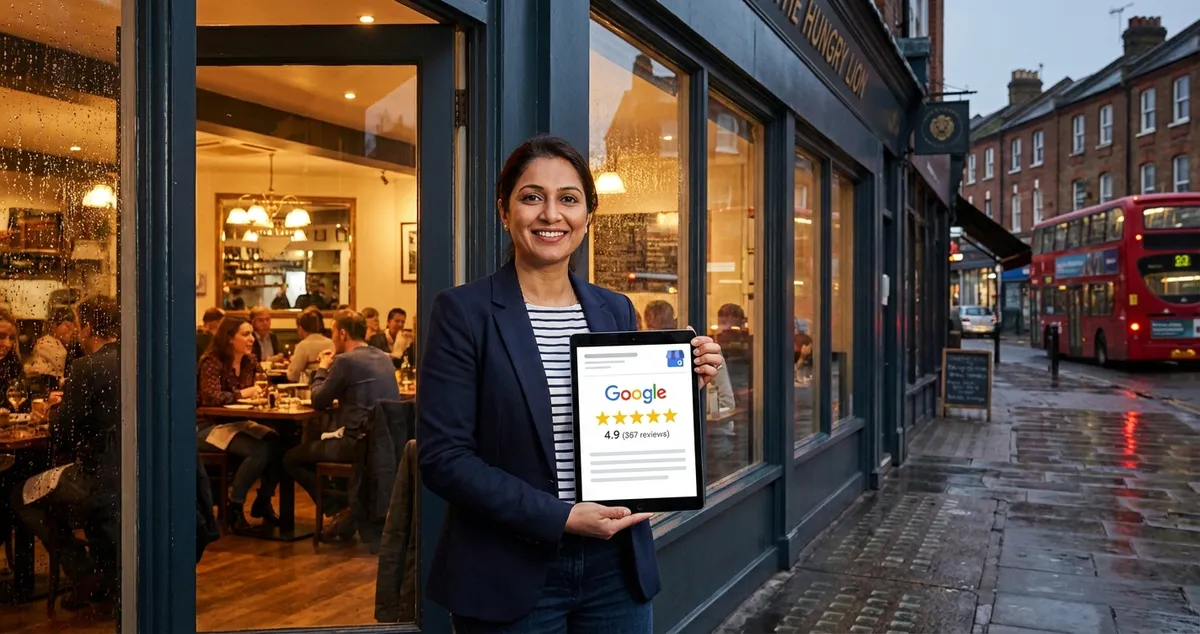
google-reviews

Google Reviews

13 articles to help your business succeed

Optimise your Google review strategy — generate more reviews, improve your star rating, respond effectively, and boost local SEO visibility.

💡Quick Tips for Google Reviews

  • Create a short link to your Google review page using your Google Business Profile and display it on receipts, table cards, and follow-up emails
  • Respond to Google reviews using relevant keywords naturally — mentioning your location and cuisine type helps with local SEO signals
  • Never offer incentives for reviews as this violates Google's policies and can result in reviews being removed or your profile being penalised
  • Set up Google review notifications so you can respond promptly, ideally within 24 hours of a review being posted

Featured Article

Restaurant owner frustrated asking can you delete Google reviews from tablet
05/02/202614 min read

Can You Delete Google Reviews? Honest UK Answer

You've just finished a 12-hour shift. Your feet hurt, the kitchen's finally clean, and you're scrolling through your phone when you see it: a one-star review from someone you don't recognise. Your sto...

Read article

More Articles About Google Reviews

Related Topics

Frequently Asked Questions

Do Google reviews affect my restaurant's search ranking?

Yes, Google has confirmed that reviews are a significant local ranking factor. The quantity, quality, recency, and your response rate all influence where you appear in the local pack and Google Maps results.

How can I get more Google reviews for my restaurant?

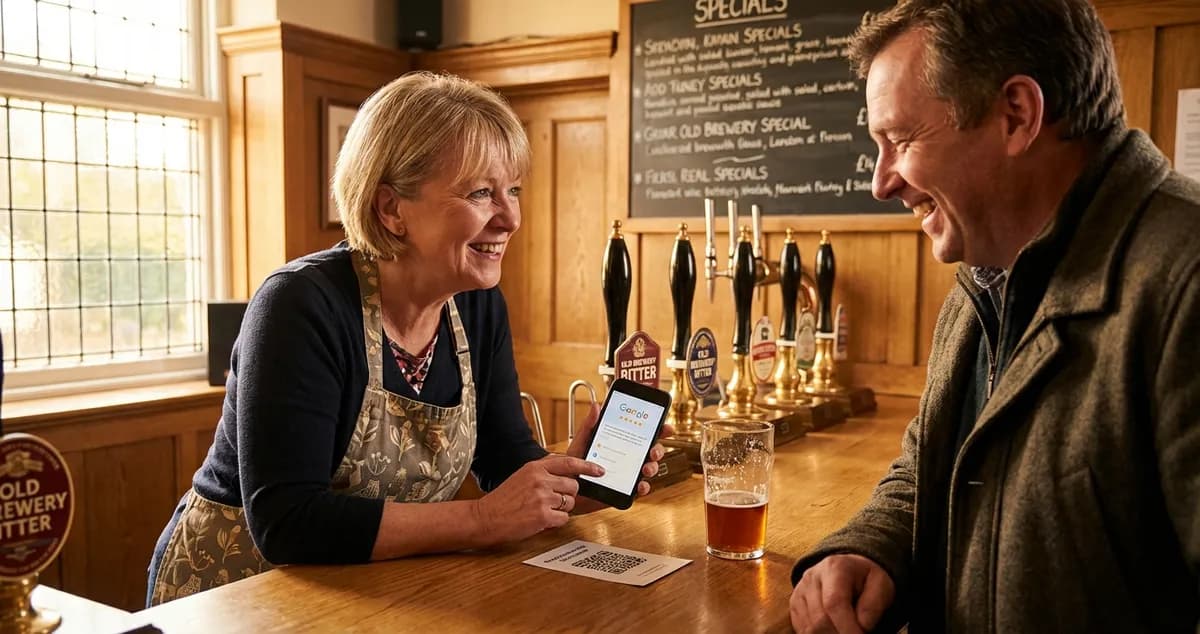
Make it effortless — create a direct link or QR code to your Google review page and share it at natural touchpoints: on the bill, in a follow-up text or email, and on table cards. Train staff to mention it when guests express satisfaction.

Explore more topics to grow your business

Browse All Articles