salon-website-design

Salon Website Design

2 articles to help your business succeed

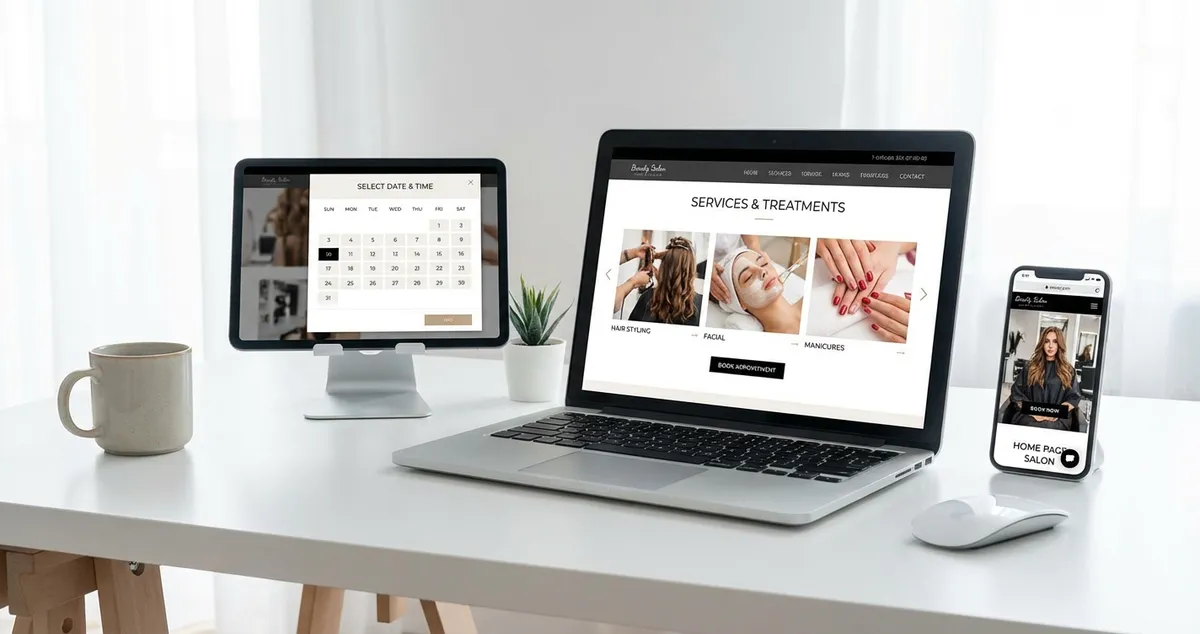
Salon website design guides help hair and beauty salon owners create websites that look professional and convert visitors into booked clients. These articles cover design principles specific to the salon industry — from colour palettes and typography that reflect your brand to page layouts that guide visitors toward booking. Topics include mobile-first design, portfolio presentation, trust signals, booking flow optimisation, and the visual elements that set successful salon websites apart.

💡Quick Tips for Salon Website Design

  • Use a clean, uncluttered layout with plenty of white space — let your portfolio images do the talking
  • Choose a colour palette that matches your salon's physical branding for a consistent client experience
  • Place your booking button in a contrasting colour so it stands out on every page
  • Invest in professional photography of your salon space and work — stock photos undermine trust

Featured Article

Collection of salon website examples showing different beauty, hair, and nail salon designs
18/03/20269 min read

Salon Website Examples: What Good Looks Like

Salon website examples are real-world websites from beauty salons, hair salons, and nail bars that show what works in practice. They cover treatment menus, booking systems, portfolio galleries, and mo...

Read article

More Articles About Salon Website Design

Related Topics

Frequently Asked Questions

How much does salon website design cost in the UK?

A DIY website using Squarespace or Wix costs £12-40/month. A professionally designed salon website typically costs £500-2,000 for a standard brochure site with booking integration, or £2,000-5,000 for a fully custom design. For most independent salons, a well-chosen template customised with your own photos and branding offers the best value.

What pages does a salon website need?

At minimum: Home, Services (with prices), About, Gallery/Portfolio, Contact, and a prominent booking page or button. Optional but valuable: team bios, testimonials, blog, and an FAQ page. Each service category can have its own page for better SEO targeting.

Explore more topics to grow your business

Browse All Articles