salon-website

Salon Website

6 articles to help your business succeed

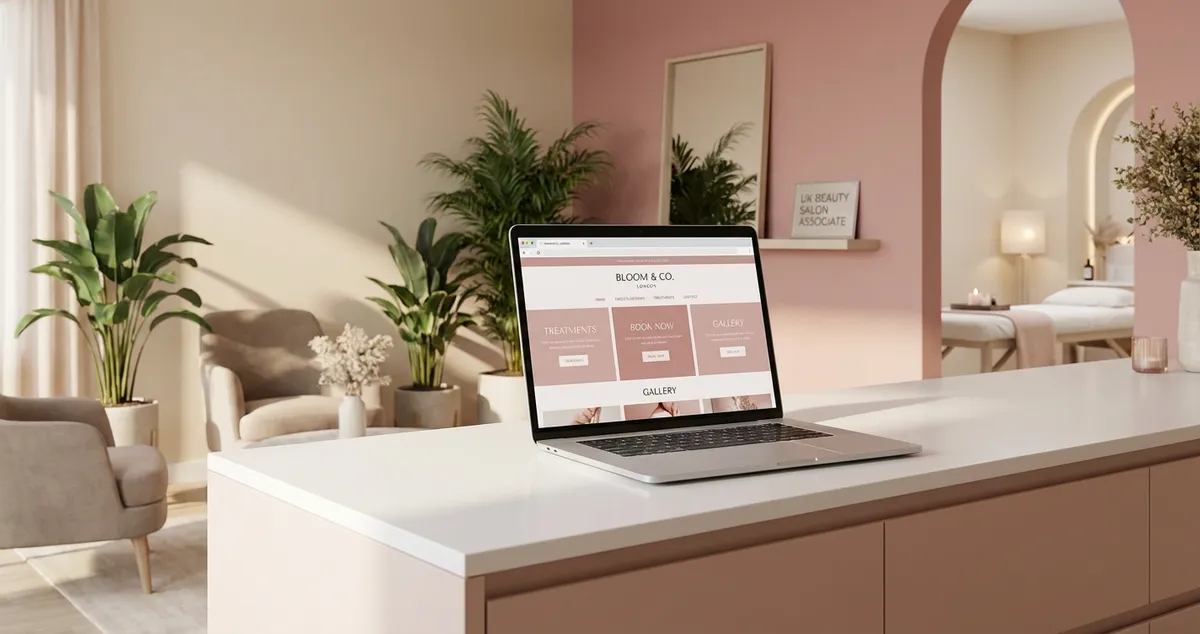
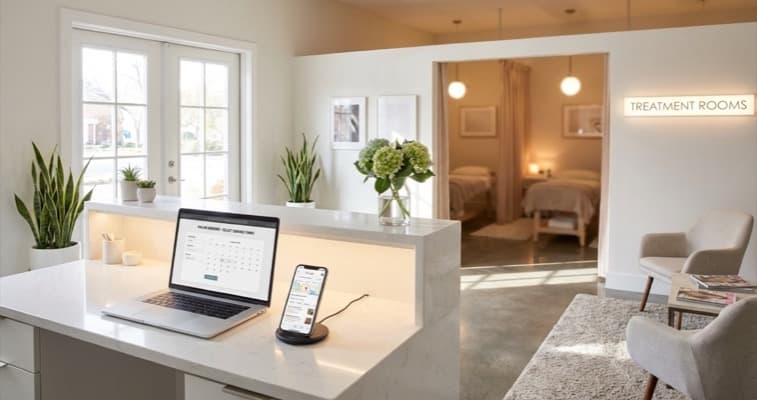
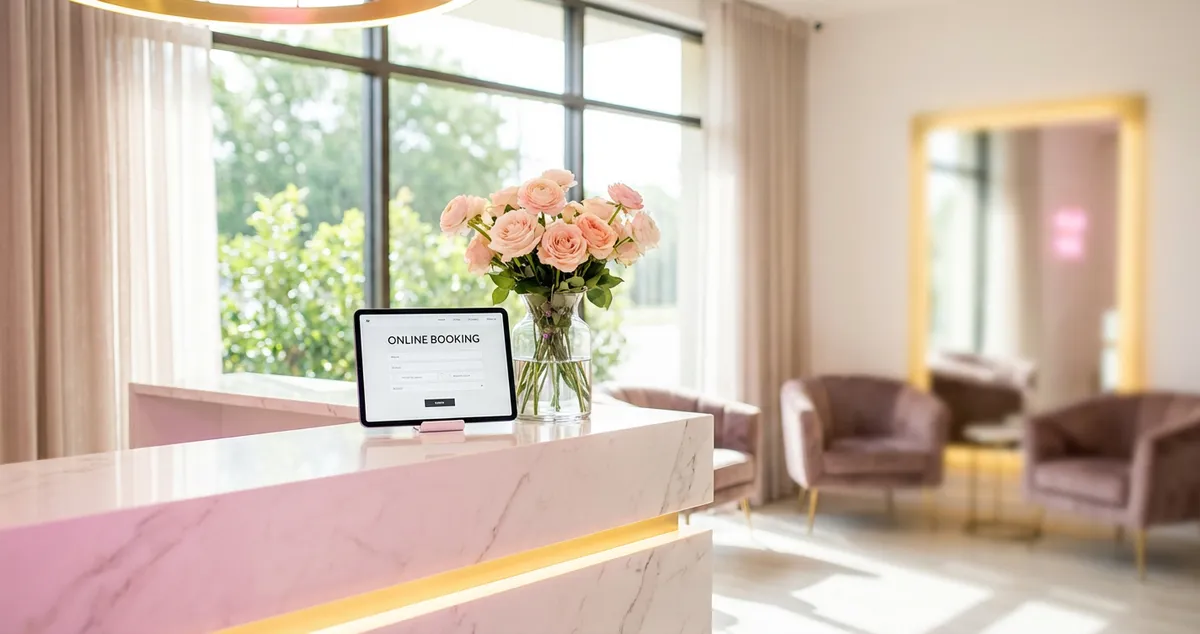
Salon website guides cover everything you need to build, design, and optimise a website for your hair salon, beauty salon, or nail bar. From choosing the right website builder and template to structuring pages for bookings and SEO, these articles help UK salon owners create websites that convert visitors into clients. Topics include mobile responsiveness, online booking integration, portfolio galleries, and the technical foundations that help your site rank in local search.

💡Quick Tips for Salon Website

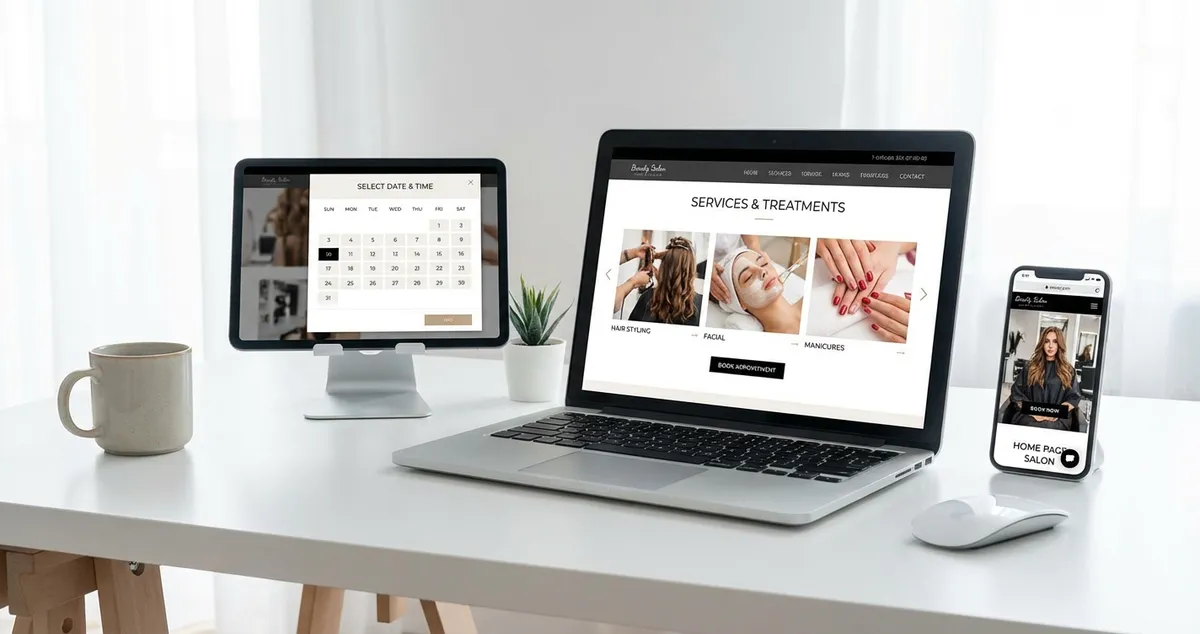
  • Include an online booking button on every page — clients should never be more than one click away from making an appointment
  • Add a portfolio or gallery page with high-quality before-and-after photos to showcase your work
  • Ensure your website loads in under 3 seconds on mobile — most potential clients will search for salons on their phones
  • Include your full address, phone number, and opening hours on every page for local SEO benefit

Featured Article

Complete guide to building a professional hair salon website for UK salon owners
18/03/202617 min read

Hair Salon Website: Complete Guide for UK Salons

A hair salon website is a dedicated online presence showcasing your stylists, services, and pricing while letting clients book around the clock. It features stylist portfolios, colour galleries, and c...

Read article

More Articles About Salon Website

Related Topics

Frequently Asked Questions

Do I need a website for my salon if I already have social media?

Yes. Social media is excellent for engagement and discovery, but a website gives you a permanent home that you own and control. It ranks in Google search (where most clients look first), allows online booking integration, and builds credibility. Think of social media as the introduction and your website as the conversion point.

What is the best website builder for a salon?

For most UK salons, Squarespace offers the best balance of beautiful templates, ease of use, and built-in booking features. WordPress gives more flexibility but requires more technical skill. Wix is the simplest to start with. Choose based on your comfort level with technology and whether you need integrated booking or will use a third-party system.

Explore more topics to grow your business

Browse All Articles