Shoot professional-looking food photos with your smartphone. Step-by-step lighting, styling, and editing tips for UK restaurants.
You're posting three times a week. The food looks great in person. But on Instagram, it looks like every other plate on the platform. Meanwhile, restaurants with stunning photos have queues out the door, and you know their food isn't better than yours.
DIY restaurant photography is taking professional-quality food photos using a smartphone and natural lighting instead of expensive cameras. With proper lighting setup, composition techniques, and basic editing adjustments, independent restaurants can create appealing images that attract customers without hiring a photographer, typically at under £50 for equipment.
22 min read
The reality for most independent restaurants: hiring a professional photographer costs £300-£800 per shoot, and that's money you'd rather spend on ingredients, staff, or rent. But here's what many restaurant owners don't realise: visual content directly influences a large share of dining decisions. Your photography isn't decoration. It's the first impression that either brings people in or sends them scrolling past.
If you're only posting occasional photos when you remember, you'll typically lose to competitors who treat photography as part of their weekly marketing operations, planned out in a social media calendar.
This guide shows you how to take restaurant-quality photos yourself using equipment you already own. No expensive cameras, no complex lighting rigs, just practical restaurant marketing techniques that work during a 12-hour shift.
What You'll Learn About DIY Restaurant Photography
By the end of this guide, you'll know:
- How to set up natural lighting that makes food look appetising (without buying studio lights)
- The five camera settings that improve phone photos instantly
- Styling techniques that take 2 minutes per dish
- Budget-friendly equipment upgrades (all under £50)
- Basic editing workflows that save 15 minutes per photo
- Common mistakes that make food look unappetising, and how to avoid them
Time required: 30 minutes to learn the basics, 5-10 minutes per photo once you've practised
Difficulty level: Beginner-friendly: if you can use a smartphone camera, you can do this
Table of Contents
- Why DIY Restaurant Photography Matters in 2026
- What You'll Need: DIY Photography Equipment Checklist
- Step 1: Master Natural Lighting
- Step 2: Configure Your Phone Camera Settings
- Step 3: Compose Shots That Tell a Story
- Step 4: Style Your Food for Maximum Appeal
- Step 5: Shoot Multiple Variations
- Step 6: Edit Photos in 5 Minutes or Less
- Step 7: Avoid the 5 Mistakes That Make Food Look Bad
- Troubleshooting Common DIY Photography Problems
- Weekly Action: Your First DIY Photography Session
- FAQ: DIY Restaurant Photography
Info
Why DIY Restaurant Photography Matters in 2026
Visual content isn't just about looking good on social media marketing. According to consumer research from Cornell University, photo quality significantly influences dining decisions. Your photos do three jobs simultaneously:
- They sell the experience before customers arrive - People don't just want food, they want the feeling they'll get when they eat it
- They set expectations - Poor photography creates a disconnect between what people expect and what arrives at the table
- They differentiate you from competitors - In a crowded market, stunning photography is the fastest way to stand out
The gap between restaurants with professional-looking photos and those without is widening. But here's the part that matters: you typically don't need a £2,000 camera to close that gap. You need technique.
Real Example: How One Brighton Cafe Cut Photography Costs Dramatically
The Coffee Mill, a cafe in Brighton, was spending hundreds monthly on a professional photographer. Owner Sarah switched to DIY photography using her iPhone, a tripod, and window light from their front seating area.
The process: Every Tuesday morning (quietest period), Sarah spent 30 minutes photographing the week's specials. She used a single window-side table, white foam board for bounce light, and Snapseed for editing. Total equipment investment: under £50.
The result: Instagram engagement increased significantly within two months: not because the DIY photos were technically better, but because she could post fresh content daily instead of recycling week-old professional shots. Photography costs dropped to effectively zero.
The lesson: Consistency and timeliness often beat technical perfection when your audience expects fresh, authentic content.
What You'll Need: DIY Photography Equipment Checklist
Before you start shooting, gather these items. Most restaurants already have 80% of this list.
Required Equipment (You Probably Have This Already)
- Smartphone with a decent camera - iPhone 11 or newer, Samsung Galaxy S10+, or equivalent Android device (most phones from the last 4 years work well)
- Natural light source - A window that gets indirect sunlight during your shooting time
- White surface for reflection - A piece of white card, foam board, or even printer paper (acts as a bounce reflector)
- Clean backgrounds - Plain plates, wooden boards, neutral-coloured tablecloths
Nice-to-Have Upgrades (All Under £50)
These priority ratings are a rule of thumb based on typical needs. Your specific photography challenges may vary.
| Item | Purpose | Priority |
|---|---|---|
| Phone tripod with flexible legs | Stability, consistent angles, overhead shots | HIGH |
| White foam boards (A3 size, pack of 5) | Bounce light, eliminate shadows | HIGH |
| Black foam boards (for contrast) | Deepen shadows, add drama | MEDIUM |
| Clip-on macro lens for phones | Close-up detail shots | MEDIUM |
| Small spray bottle with water | Make food look fresh | LOW |
Total investment for significant improvement: Under £50
Don't buy everything at once. Start with a phone tripod and foam boards: those two items solve most common DIY photography problems.
Step 1: Master Natural Lighting
Lighting is often the key factor that separates amateur photos from professional-looking images. Get this right, and everything else becomes easier.
Find Your Light Source
For most food photography, indirect natural light near a window typically works best. Here's why:
- Direct sunlight creates harsh shadows and blown-out highlights (that bright, washed-out look)
- Indoor overhead lights cast unflattering yellow or green tones
- Indirect window light is soft, even, and makes food look appetising
Where to position your setup:
- Find a table within 1-2 metres of a large window
- Shoot during "golden hours": 10am-12pm or 3pm-5pm (when light is softest)
- On overcast days, you can shoot anytime: clouds act as a natural diffuser
- Avoid windows with direct sun unless you can diffuse it with a white curtain
For example, a gastropub might set up a small corner table by their front windows during the 3pm lull. Position your Sunday roast with the window on the left, white card on the right, and shoot within 2 minutes of plating while steam is still visible.
The Bounce Card Technique
Even with perfect window light, one side of your dish will often be darker. This is where a white foam board becomes your secret weapon.
How to use a bounce card:
- Position your dish 60-90cm from the window (window on the left or right, not behind)
- Place a white foam board on the opposite side of the light source
- Angle the board slightly toward the dish
- Check your camera view: the shadows should soften immediately
This technique mimics the £500 reflectors professional photographers use. You just spent £8 instead.
Troubleshooting common lighting problems:
| Problem | Solution |
|---|---|
| Food looks flat and dull | Not enough contrast: remove the bounce card or use a black card on the dark side |
| Shadows are too harsh | Move further from the window or add a sheer curtain as a diffuser |
| Colours look wrong | Turn off all indoor lights: they're contaminating the natural light |
| Photos are too dark | Move closer to the window or shoot during peak daylight hours |
Info
The lighting angles shown may vary based on your specific window and space: adapt these as a rule of thumb.
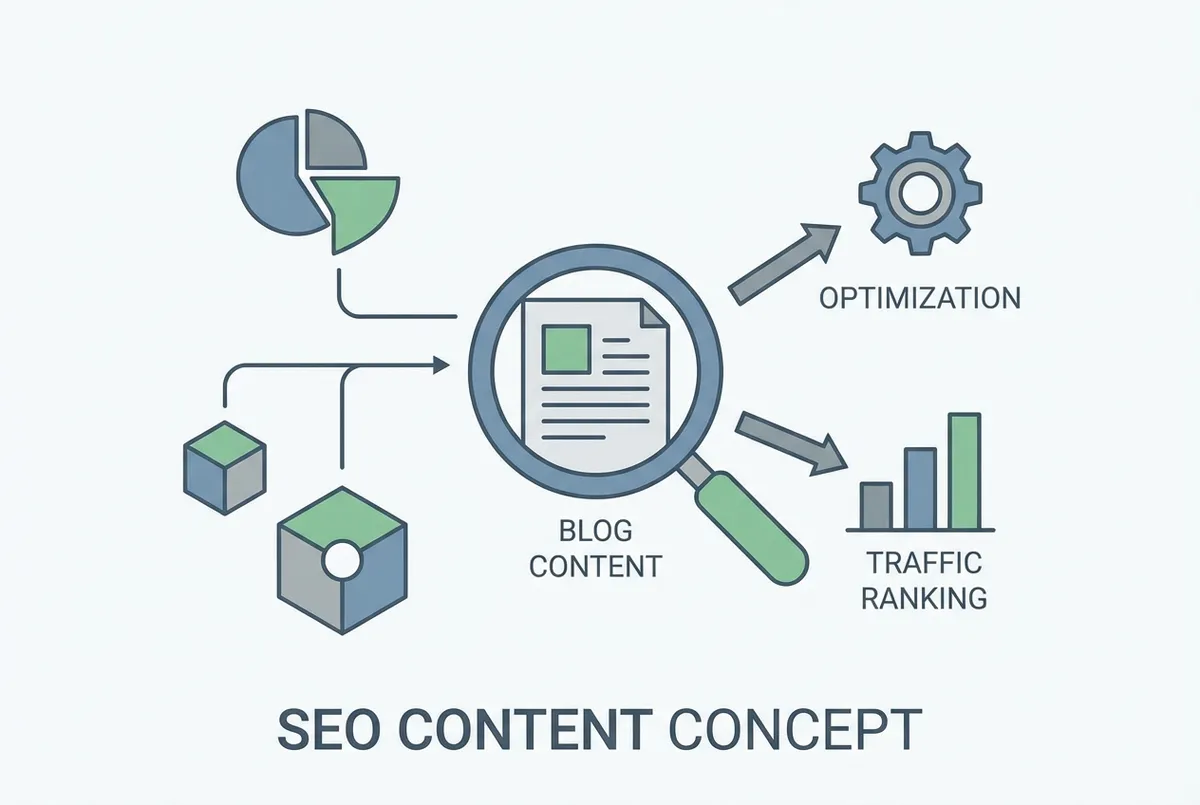
Natural lighting setup diagram for food photography
Step 2: Configure Your Phone Camera Settings
Now that you've mastered lighting, let's optimise your camera settings. Most people use their phone camera on full auto mode. That's fine for holiday snaps. For food photography, five settings make a dramatic difference.
The Five Settings That Matter
1. Turn on Grid Lines
- iPhone: Settings > Camera > Grid (toggle on)
- Android: Open Camera > Settings > Grid Lines
The grid helps you align shots using the "rule of thirds": positioning the most interesting element where the lines intersect. Food placed in the centre looks static. Food placed slightly off-centre feels dynamic.
2. Lock Focus and Exposure
- iPhone: Tap and hold the main subject until "AE/AF Lock" appears
- Android: Tap the main subject, then tap the lock icon
This prevents your phone from refocusing when something moves. Once locked, you can adjust exposure by sliding your finger up or down.
3. Shoot in Portrait Mode (Selectively)
Portrait mode creates background blur (bokeh), making the dish pop. But use it sparingly: too much blur can look fake.
When to use Portrait mode:
- Single dish close-ups
- When the background is distracting
When to avoid it:
- Overhead flat lays (it looks unnatural)
- When you want to show the restaurant atmosphere
4. Set White Balance Manually (Advanced)
If your phone allows manual controls (iPhone Pro models, Samsung flagships, or apps like ProCamera), set white balance to "Daylight" when shooting near windows. This prevents colour shifts.
5. Use HDR for High-Contrast Scenes
HDR (High Dynamic Range) combines multiple exposures to capture detail in both bright highlights and dark shadows. Turn it on when shooting near windows with bright backgrounds.
- iPhone: HDR is automatic on newer models, but check Settings > Camera > Auto HDR
- Android: Camera settings > HDR > On
The 2-Second Focus Check
Before you take any photo, do this quick check:
- Tap the hero element of the dish, usually the protein or garnish, whichever is the visual focal point
- Confirm focus is sharp: you should see details like sauce texture or herb edges
- Check the exposure slider: slightly underexpose if in doubt (easier to fix than overexposed)
For instance, when photographing a burger, tap the top bun where it's most textured. For pasta, tap the protein or the point where sauce catches the light. For desserts, focus on the garnish or the most visually interesting layer.
If you're thinking "I don't have time for this," you do. This becomes muscle memory after 3-4 shoots. And it's faster than re-shooting photos that don't work.
Step 3: Compose Shots That Tell a Story
With your camera properly configured, the next step is composition. Composition is the difference between a photo that gets scrolled past and one that makes people stop.
The Three Angles That Work for Food
1. 45-Degree Angle (The Most Versatile)
This is the angle most people naturally see food from when sitting at a table. It works for:
- Dishes with height (burgers, stacked pancakes, layered cakes)
- Drinks in glasses
- Anything where you want to show the side profile
How to shoot it: Position your phone at roughly chest height, angled down at 45 degrees. Use the grid to keep horizontal lines straight.
2. Overhead (Flat Lay)
Shoot directly above the dish looking straight down. This angle works for:
- Flat dishes (pizza, pasta, salads)
- Multiple dishes arranged together (sharing platters)
- Symmetrical presentations
Why you need a tripod: Holding your phone perfectly level overhead is extremely difficult. A £20 tripod with flexible legs solves this.
3. Eye-Level (Drama)
Shoot at the same height as the dish, showing the side profile. This adds drama and works for:
- Tall burgers or sandwiches
- Layered desserts
- Drinks with interesting tops (latte art, cocktail garnishes)
Pro tip: For eye-level shots, get low. Place your phone on the table if needed. This perspective feels more intimate and engaging.
The Rule of Thirds (In Practice)
You've turned on grid lines. Now use them:
- Place the hero element (your dish's visual focal point) where two grid lines intersect
- Leave negative space on one side: this creates visual breathing room
- Use leading lines (cutlery, napkins, ingredients) to guide the eye toward the dish
A gastropub using this technique might position a Sunday roast joint slightly off-centre with the Yorkshire puddings leading the eye in from the corner. It looks intentional, not accidental.
Step 4: Style Your Food for Maximum Appeal
Once you've chosen your angle, it's time to style the dish. Styling doesn't mean spending 20 minutes arranging microgreens. It means making food look like someone wants to eat it right now.
The 2-Minute Styling Checklist
Before you shoot any dish, spend 2 minutes doing this:
1. Clean the rim - Wipe away sauce drips, oil splashes, and fingerprints with a damp cloth. This simple step dramatically improves how professional photos look.
2. Add height - Flat food looks boring. Stack ingredients slightly, lean items against each other, or use a small ramekin to elevate part of the dish.
3. Show texture - Smooth surfaces look flat in photos. Add:
- Fresh herbs (coriander, parsley, microgreens)
- Cracked pepper
- Flaky sea salt
- A drizzle of olive oil or sauce
4. Use odd numbers - Three items look better than two or four. If you're adding garnish, use three sprigs, not four.
5. Create depth - Add layers by placing items in the foreground and background. A fork in the foreground, a drink blurred in the background: these elements create context.
For example, an Italian restaurant might style a carbonara by wiping the bowl rim clean, adding a pinch of cracked pepper on one side, placing three basil leaves at an angle, and positioning a fork in the foreground with a glass of wine blurred in the back. Total styling time: under 2 minutes.
What NOT to Do (Common Styling Mistakes)
| Mistake | Why It Fails | Fix |
|---|---|---|
| Too much garnish | Looks like you're hiding bad food | One or two accent elements maximum |
| Everything in focus | No focal point: eye doesn't know where to look | Use portrait mode or shoot at f/1.8-2.8 if using a camera |
| Plate too centred | Looks static and boring | Off-centre using rule of thirds |
| Cold food | Loses steam, colour, and appeal within 2 minutes | Shoot fast or use tricks like a damp cotton ball heated in the microwave (for steam) |
Reality check: If you're reading this thinking "I don't have time to style every dish," you don't need to. Style your signature dishes, your specials, and new menu items. Those are the photos that do the heavy lifting on social media.
Step 5: Shoot Multiple Variations
After styling your dish, don't stop at one photo. Professional photographers shoot 20-50 images to get one perfect shot. You don't need that many, but you do need options.
The 3-Shot Minimum
For every dish, take:
- One safe shot - Standard angle, well-lit, everything in focus
- One creative shot - Different angle, tighter crop, or unusual perspective
- One detail shot - Extreme close-up showing texture (melted cheese, sauce drizzle, garnish)
This takes an extra 60 seconds but gives you three options when posting. Some dishes work better as overhead shots. Others shine in close-ups. You won't know until you review them.
For example, when shooting fish and chips, your safe shot might be a 45-degree angle showing the full plate. Your creative shot could be eye-level focusing on the batter texture with tartar sauce in the foreground. Your detail shot might be a close-up of the golden batter with steam rising. Each tells a different story: choose the one that resonates most with your audience.
What to Vary Between Shots
- Angle - 45-degree, overhead, eye-level
- Distance - Wide (showing context), medium (showing the dish), tight (showing detail)
- Composition - Centred, rule of thirds, different negative space placement
- Props - With cutlery, without cutlery, with drinks, with ingredients
Storage tip: Your phone fills up fast. After each shoot, delete obvious failures immediately. Keep your 2-3 strongest variations per dish.
Step 6: Edit Photos in 5 Minutes or Less
Once you've captured your shots, it's time for quick editing. Editing isn't about making food look fake. It's about making photos match what the food looked like in real life.
The Basic Editing Workflow (Using Free Phone Apps)
Recommended free apps:
- Snapseed (iOS & Android) - Professional controls, easy to learn
- VSCO (iOS & Android) - Great presets, good for consistent style
- Lightroom Mobile (iOS & Android) - Industry standard, free basic version
The 5-Adjustment Formula:
- Brightness - Increase by +10 to +20 if the photo looks too dark
- Contrast - Increase by +5 to +15 to add punch
- Saturation - Increase by +5 to +10 (don't go overboard: oversaturated food looks fake)
- Warmth - Add +5 to +10 to make food look more appetising (cooler tones make food look unappetising)
- Sharpness - Increase by +10 to +20 to enhance details
Time per photo: 2-3 minutes once you're familiar with the app
For instance, a curry photo straight from your phone might look dull and grey. In Snapseed, you'd increase brightness by +15, contrast by +10, saturation by +8, warmth by +10, and sharpness by +15. The result: vibrant colours that match how the curry actually looked in person. Save those settings as a preset called "Curry" and apply it to all similar dishes in one tap.
Creating a Consistent Style (The Secret to a Professional-Looking Feed)
When someone visits your Instagram for restaurants, they should instantly recognise your style. This means editing photos with consistent settings.
How to create a preset:
- Edit one photo until it looks perfect
- Save those exact settings as a preset (most editing apps allow this)
- Apply that preset to future photos, then tweak slightly per image
A Mexican restaurant might use warm tones (+15 warmth, +10 saturation) to emphasise vibrant colours. A fine dining restaurant might use cooler tones (-5 warmth, +20 contrast) for a more sophisticated feel.
Don't do this: Edit each photo completely differently. Your feed will look chaotic and unprofessional.
Need Help with Consistent Posting?
LocalBrandHub's content calendar shows you exactly what to shoot and when to post, so your DIY photography actually gets used instead of sitting in your camera roll.
Common Editing Mistakes to Avoid
| Mistake | Why It's Bad | How to Fix |
|---|---|---|
| Over-saturation | Food looks radioactive | Keep saturation between +5 and +15 maximum |
| Too much contrast | Loses detail in shadows and highlights | Keep contrast under +20 |
| Over-sharpening | Creates digital noise and looks fake | Keep sharpness under +25 |
| Heavy filters | Can make photos look overly processed and artificial | Use subtle adjustments instead |
The reality for most independent restaurants: You're editing photos between service or at 10pm when you're exhausted. That's fine. Consistency typically matters more than perfection. A "good enough" photo posted consistently often beats a perfect photo posted occasionally.
Self-reflection moment: Would you stop scrolling if you saw your own photos in your feed? Would you follow your own restaurant account if you didn't work there? If not, that's usually a sign your lighting or composition needs work.
Step 7: Avoid the 5 Mistakes That Make Food Look Bad
Before you start shooting regularly, learn from common pitfalls. Even with excellent lighting and composition, these mistakes can ruin photos. Here's what to watch for:
1. Shooting in Poor Lighting
Often the biggest photo killer. If your lighting isn't right, nothing else matters. Natural window light or nothing: indoor lights make food look grey and unappetising.
2. Dirty Plates and Backgrounds
Sauce smudges, fingerprints, crumbs on the table: these scream "we don't care." Clean before shooting.
3. Photos Taken Too Late
Hot food loses its appeal within 2-3 minutes. Steam dissipates, cheese solidifies, leaves wilt. Shoot immediately after plating.
4. No Focal Point
If everything is in focus, nothing stands out. Use portrait mode or manual focus to guide the viewer's eye.
5. Inconsistent Style
Your Instagram feed should feel cohesive. Random styles, angles, and editing make you look amateur. Pick 2-3 angles and one editing preset, then stick with them.
Troubleshooting Common DIY Photography Problems
Even with this guide, you'll hit problems. Here's how to solve them fast:
Problem: Photos Look Dull and Flat
Likely cause: Not enough contrast between light and shadow
Solution: Remove the white bounce card on the opposite side of the light. Let one side stay slightly darker. Contrast creates depth.
Problem: Colours Look Wrong (Too Yellow or Too Blue)
Likely cause: White balance is off or you're mixing natural and artificial light
Solution:
- Turn off all indoor lights when shooting
- Set white balance manually to "Daylight" mode
- If shooting at night, use warm LED bulbs (3000K-4000K) and adjust white balance in editing
Problem: Photos Are Blurry
Likely cause: Camera shake or wrong focus point
Solution:
- Use a tripod or brace your phone against something stable
- Tap the main subject to lock focus before shooting
- Use your phone's timer (2-second delay) to eliminate shake
Problem: Food Looks Smaller Than It Does in Real Life
Likely cause: Shooting from too far away or wrong angle
Solution: Get closer. Fill 60-70% of the frame with the dish. Use a macro lens attachment for extreme close-ups.
Problem: Background Is Distracting
Likely cause: Too much clutter visible behind the dish
Solution:
- Use a neutral background (wood table, plain cloth)
- Shoot at f/1.8-2.8 to blur the background (or use portrait mode)
- Reposition the dish closer to a clean wall
Weekly Action: Your First DIY Photography Session
This sounds great in theory. In practice, when you're down two staff and Saturday rush just ended, theory goes out the window. So here's the minimum viable version:
This week, run one 30-minute test shoot:
Day 1-2:
- Identify your best natural light window and time
- Gather equipment (phone, white card, clean plates)
Day 3-4:
- Pick 3 signature dishes
- Shoot each dish using the 3-shot minimum (safe, creative, detail)
- Use the 45-degree angle and rule of thirds
- Apply the 5-adjustment editing formula
Day 5-7:
- Post one photo per day
- Track engagement compared to your previous posts
- Note which angles and dishes perform best
If you only have 30 minutes this week: Shoot 3 dishes with natural window light, edit with one preset, post your strongest one. That's still better than generic photos that don't stop anyone scrolling.
FAQ: DIY Restaurant Photography
What equipment do I need for DIY restaurant photography?
You need a smartphone (iPhone 11+ or Samsung Galaxy S10+ equivalent), natural window light, and a white card for bounce light. Optional upgrades under £50 include a phone tripod (£15-25) and foam boards for light control (£8-12).
What's the best time of day to photograph restaurant food?
The best times are typically 10am-12pm or 3pm-5pm when natural light is softest. On overcast days, you can shoot anytime as clouds act as natural diffusers. Avoid harsh midday sunlight that creates unflattering shadows.
How do I make my phone food photos look professional?
Use natural window light with a white bounce card, lock focus on the hero element, shoot at 45-degree angles, and edit consistently with the 5-adjustment formula (brightness, contrast, saturation, warmth, sharpness). Consistency often matters more than individual photo perfection.
Should I use my phone's portrait mode for food photography?
Use portrait mode selectively for single dish close-ups where you want background blur. Avoid it for overhead flat lays or when showing restaurant atmosphere: it can look unnatural. For most versatile results, shoot at a 45-degree angle without portrait mode.
How long does DIY food photography take?
Initial learning takes about 30 minutes. Once familiar with the techniques, expect 5-10 minutes per dish including setup, shooting multiple angles, and basic editing. The 2-minute styling checklist and 5-adjustment editing formula keep the process efficient.
Key Takeaways: DIY Restaurant Photography
If you run a restaurant and want to see how Local Brand Hub can support your marketing, explore our restaurant marketing tools.
Summary
Here's what you now know that many restaurant owners don't:
- Lighting is 80% of the result - Master natural window light with a bounce card before worrying about anything else
- You don't need expensive equipment - A £50 investment (phone tripod + foam boards) matches 90% of what a £2,000 camera does for food photography
- Consistency beats perfection - A cohesive style with "good enough" photos outranks occasional perfect shots
- Speed matters - Shoot within 2-3 minutes of plating while food still looks fresh
- The 5-adjustment formula - Brightness, contrast, saturation, warmth, sharpness: these are the core adjustments for most editing needs
Your competitors often don't have better equipment. They have better technique. And now, so do you.
If this guide saved you £300+ on a photographer, here's what to do with those savings: Invest in your menu, your staff, or your restaurant marketing. Or just keep the cash: running a restaurant is expensive enough.
For UK restaurants
Need Help with Restaurant Marketing?
LocalBrandHub handles social content, menu updates, and local SEO in one platform built specifically for independent restaurants. No photographer required: we show you exactly what to shoot.
Try It FreeLast updated: February 2026
Author: LocalBrandHub Team - We build marketing tools for independent restaurants that actually get used, not abandoned after a month.
Get More Marketing Tips
Practical marketing tips for UK business owners, straight to your inbox. No spam, unsubscribe anytime.
About the Author
Local Brand Hub
Empowering UK Businesses
Local Brand Hub provides comprehensive business management tools designed specifically for UK local businesses to streamline operations, automate marketing, and grow revenue.
More articlesRelated Articles
 Marketing Tips
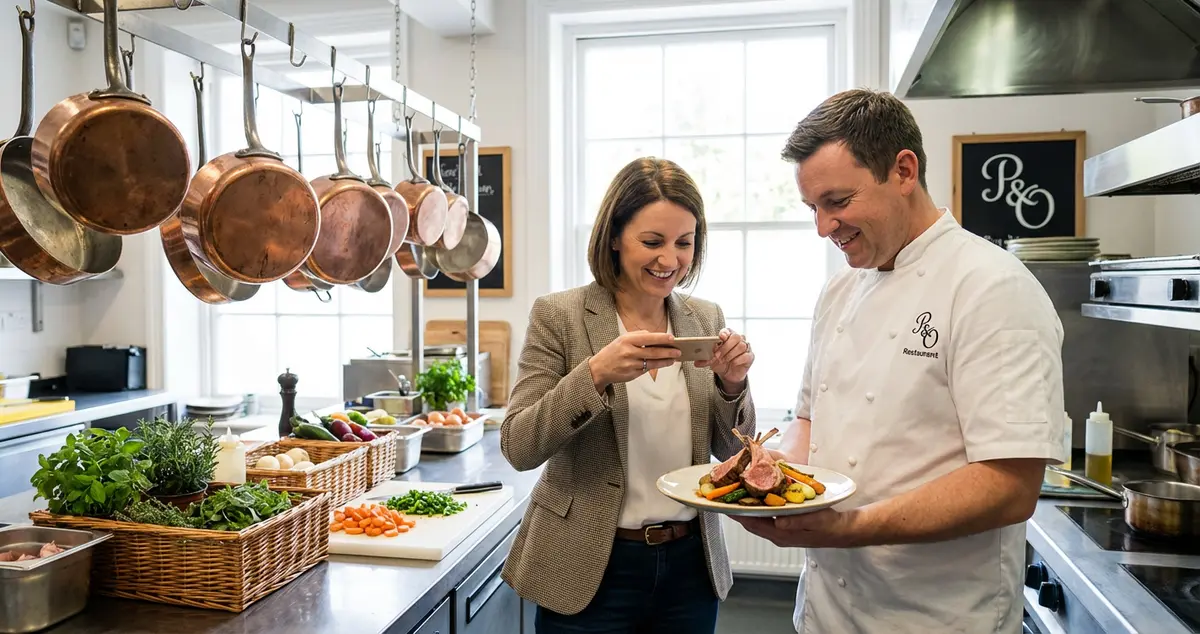
Content Marketing for Restaurants: A Practical Guide
Master content marketing for restaurants using the 5 C's framework and the 30/30/30 rule. Actionable ideas that bring more diners through your door weekly.
 Marketing Tips
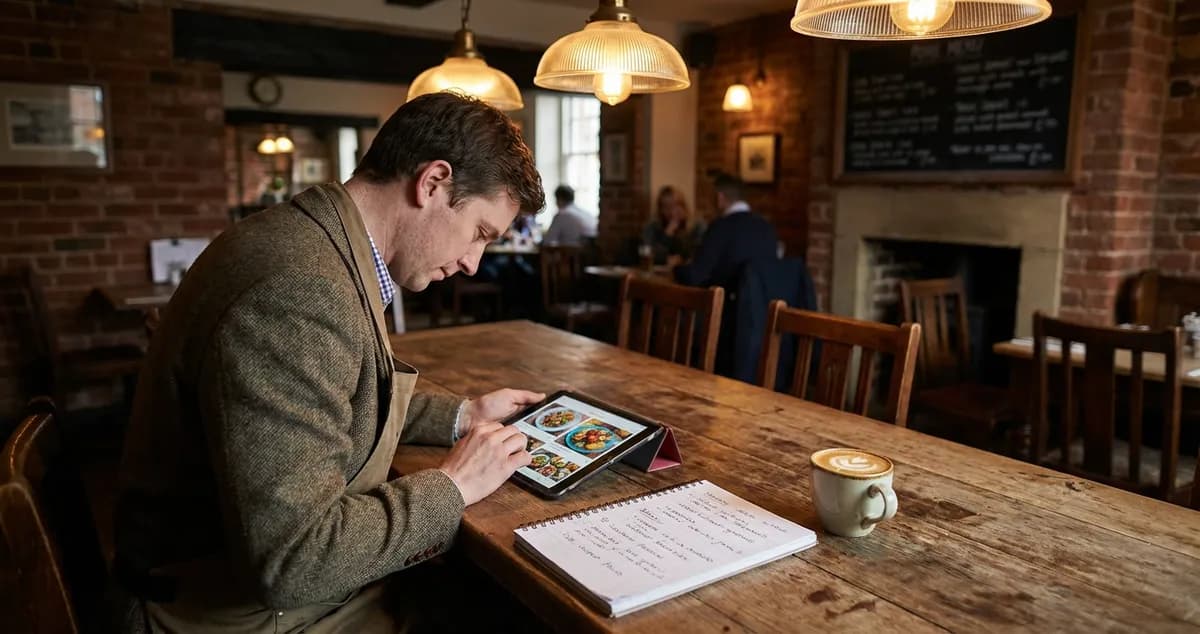
Restaurant Blog Ideas Only Your Kitchen Could Write
Restaurant blog ideas a rival two streets away could not copy: the test that kills weak topics, where the material sits, and a twenty minute method.
 Marketing Tips
Restaurant Content Calendar: A Free UK Template for 2026
A restaurant content calendar that survives service. Copy the seven column UK template, plan what you shoot before what you say, and start this week.