Watch the visual overview· 90 seconds
Learn how to optimise your restaurant for Google Maps so you appear when hungry customers search nearby. Step-by-step guide for UK restaurants.
Restaurant Google Maps SEO is the practice of optimising your online presence so your restaurant appears when hungry customers search for food nearby, with the top three results in Google Maps receiving 44% of all clicks, making these positions critical for driving foot traffic and turning local searches into paying customers at your tables.
If you've ever wondered why some restaurants consistently show up in Google Maps while yours remains invisible, you're not alone. Many restaurant owners feel frustrated watching competitors appear in searches while their own listing languishes on page two. This guide explains exactly what influences those restaurant Google Maps SEO rankings and how to improve yours.
Related: Restaurant Local SEO (hub page)
What You'll Learn
Here's what this guide covers:
- How Google Maps rankings work for restaurants
- The key factors that determine your map position
- Step-by-step optimisation tactics you can implement this week
- Common mistakes that hurt your visibility
How Google Maps Rankings Work for Restaurants
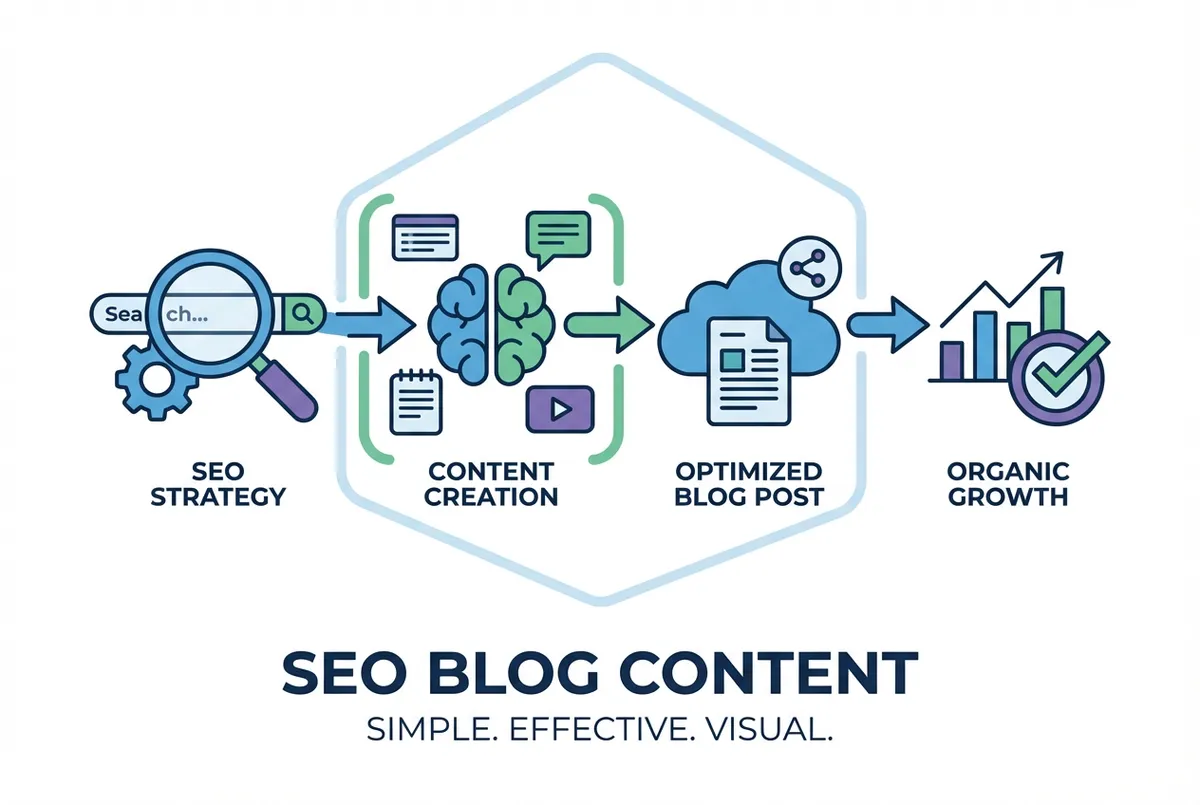
Understanding restaurant Google Maps SEO starts with knowing what Google actually measures. According to Moz's Local Search Ranking Factors study, Google uses three main factors to determine which restaurants appear in Maps results:
1. Relevance
How well does your listing match what someone searched? If someone searches "Italian restaurant," Google looks at your business categories, description, and reviews to determine if you're a relevant match.
What this means: Your Google Business Profile categories, business description, and menu items all signal relevance. A restaurant listed as "Pizza Restaurant" will rank better for pizza searches than one listed generically as "Restaurant."
2. Distance
How close is your restaurant to the searcher? Google prioritises nearby businesses, especially for mobile searches where users often want something within walking or short driving distance.
What this means: You can't change your location, but you can ensure Google has your exact address and serves your content to nearby searchers.
3. Prominence
How well-known and trusted is your restaurant online? Google considers your review count, average rating, how active your profile is, and mentions of your restaurant across the web.
What this means: Reviews, citations, and online mentions all contribute to prominence. According to BrightLocal research, businesses with 100+ reviews are perceived as 43% more trustworthy than those with fewer. A restaurant with 200 reviews signals more activity than one with 20.
If you're reading this thinking "I don't have time to chase reviews while running a restaurant," the reality is, you don't need hours. You need a simple system that takes 15 minutes a week.
Related: Restaurant Reviews SEO
Optimising Your Google Business Profile for Maps
Now let's get practical. Your Google Business Profile (GBP) is the foundation of restaurant Google Maps SEO: it accounts for approximately 32% of local ranking factors. Here's how to optimise it:
Complete Every Section
Google rewards complete profiles. Fill out:
- Business name: Your exact trading name (no keyword stuffing)
- Primary category: The most specific option (e.g., "Indian Restaurant" not "Restaurant")
- Secondary categories: Add relevant extras (e.g., "Takeaway Restaurant," "Bar")
- Description: 750 characters explaining your cuisine, atmosphere, and unique selling points
- Opening hours: Including special hours for holidays
- Menu: Upload directly or link to your website menu
- Photos: At least 10-15 high-quality images
Pro Tip
A gastropub in Bristol added their full menu to GBP and saw a 23% increase in direction requests within two months. Google rewards detailed information.
Choose the Right Categories
Your primary category is the most important ranking signal. Be as specific as possible:
| Instead of | Use |
|---|---|
| Restaurant | Italian Restaurant |
| Restaurant | Thai Restaurant |
| Cafe | Coffee Shop |
| Bar | Wine Bar |
You can add up to 9 secondary categories. Use them for services you actually offer: delivery, takeaway, dine-in, etc.
Write a Keyword-Rich Description
Your description should naturally include relevant search terms:
"Family-run Indian restaurant in Leeds city centre, serving authentic Punjabi cuisine since 1995. Known for our tandoori specialities, vegetarian thali, and Sunday buffet. BYO welcome."
This description includes: location (Leeds), cuisine type (Indian, Punjabi), key dishes, and unique features.
Photos and Visual Content
Moving from categories to visuals, Google's algorithm considers photo quantity and quality. Restaurants with more photos typically rank higher in restaurant Google Maps SEO rankings. According to Google's guidelines, businesses with photos receive 42% more requests for directions and 35% more click-throughs to their websites.
Photo Priorities
- Exterior shot: Help customers find you
- Interior shots: Show atmosphere and seating
- Food photos: Your best dishes, well-lit
- Team photos: Adds authenticity
- Menu boards: If you have visible signage
Photo Best Practices
- Upload 2-5 new photos monthly
- Use natural lighting where possible
- Show real food, not stock images
- Include seasonal specials
- Respond to customer-uploaded photos
A Thai restaurant in Manchester started posting weekly food photos. Within three months, their GBP photo views increased by 340% and they appeared more frequently in Maps results for "Thai food Manchester."
Reviews and Ratings
With your profile and photos optimised, let's tackle reviews, a major ranking factor for restaurant Google Maps SEO. According to BrightLocal's Local Consumer Review Survey, 87% of consumers read online reviews for local businesses. Google considers:
- Total review count
- Average star rating
- Review velocity (how often you get new reviews)
- Review responses (do you reply?)
- Review keywords (what dishes/experiences do people mention?)
Getting More Reviews
The restaurants that rank best in Maps actively ask for reviews:
- Train staff to ask after positive interactions
- Include a QR code linking to your Google review page on receipts
- Send a follow-up text or email after online orders
- Display "Review us on Google" signage
Warning
Never offer incentives for reviews: this violates Google's guidelines and can get your listing penalised.
Responding to Reviews
Respond to every review within 48 hours:
Positive reviews: Thank the customer and mention something specific they enjoyed.
"Thanks for the kind words, Sarah! Glad you loved the lamb rogan josh. It's our chef's speciality. See you again soon!"
Negative reviews: Acknowledge the issue, apologise, and offer to make it right offline.
"Sorry your experience didn't meet expectations, James. We take feedback seriously. Please email us at [email] so we can make this right."
Related: Restaurant Google Business Profile
Local Citations and Consistency
Beyond reviews, citations play a crucial role in restaurant Google Maps SEO. Citations are mentions of your restaurant's name, address, and phone number (NAP) on other websites. Google cross-references this information to verify your business is legitimate, so our local SEO tools scan the major UK directories for any NAP inconsistencies.
Key UK Citation Sources
- TripAdvisor
- Yelp UK
- OpenTable
- Yell.com
- The Good Food Guide
- DesignMyNight
- Time Out
- Local council directories
The Consistency Rule
Your NAP must be identical everywhere:
- "123 High Street" on Google
- "123 High Street" on TripAdvisor
- "123 High Street" on your website
Not "123 High St" on one and "123 High Street, Unit 2" on another. Even small variations confuse Google's algorithm.
Related: Restaurant Citations
Website Signals for Maps
While your Google Business Profile is central, your website also supports your restaurant Google Maps SEO ranking. Here are the key elements:
Location-Specific Pages
If you have multiple locations, each needs its own page with:
- Full address in text (not just an image)
- Embedded Google Map
- Location-specific content
- Local phone number
Schema Markup
Add LocalBusiness schema to help Google understand your restaurant details:
- Business type
- Address
- Opening hours
- Menu URL
- Price range
Mobile Experience
Over 60% of "restaurants near me" searches happen on mobile. Your website needs:
- Fast loading (under 3 seconds)
- Easy-to-tap buttons
- Readable menu without pinch-zoom
- Click-to-call phone number
Common Google Maps SEO Mistakes
Now you know what works, but what about what doesn't? These restaurant Google Maps SEO mistakes can hurt your rankings:
Mistake 1: Keyword-Stuffed Business Name
Your Google Business Profile name should match your signage exactly. "Best Pizza Restaurant London Near Me" isn't your business name. It's spam, and Google will penalise or suspend your listing.
Mistake 2: Inconsistent Information
Old phone numbers, wrong addresses, or duplicate listings confuse Google and hurt rankings. Audit your online presence regularly.
Mistake 3: Ignoring Negative Reviews
Unresponded negative reviews signal poor customer service. Always respond professionally, even to unfair criticism.
Mistake 4: Set-and-Forget Profile
Google rewards active profiles. Posting updates, adding photos, and responding to reviews tells Google your business is active and relevant.
Mistake 5: Wrong Categories
Using overly broad categories like "Restaurant" instead of specific ones like "Sushi Restaurant" means you miss relevant searches.
Related: Restaurant SEO Mistakes
Tracking Your Restaurant Google Maps SEO Performance
Finally, let's talk measurement. Google Business Profile provides insights showing:
- How customers find you (direct vs discovery searches)
- What actions they take (directions, calls, website visits)
- Photo views compared to competitors
- Popular times and visit patterns
Check these monthly to understand what's working.
Tracking Tip
If you can't tell whether Google Maps brings bookings or just impressions, that's usually a sign your tracking needs improvement.
Key Takeaways
If you run a restaurant and want to see how Local Brand Hub can support your marketing, explore our restaurant marketing tools.
Restaurant Google Maps SEO Priorities
Restaurant Google Maps SEO comes down to four priorities:
- Complete and optimise your Google Business Profile with accurate categories, descriptions, and photos
- Build and manage reviews by asking satisfied customers and responding to all feedback
- Maintain consistent citations across directories with identical NAP details
- Support with website signals including mobile-friendly design and local schema
This is part of our comprehensive Restaurant Local SEO guide.
Weekly Action
This week, audit your Google Business Profile:
- Day 1-2: Check your primary and secondary categories: are they as specific as possible?
- Day 3-4: Add 5 new photos (exterior, interior, food dishes)
- Day 5-7: Google your restaurant name and note any directories with outdated information
Set a 15-minute weekly reminder to add photos and respond to reviews.
For UK restaurants
Need help keeping your restaurant visible on Google Maps?
LocalBrandHub handles restaurant Google Maps SEO, review management, and citation consistency in one platform built specifically for restaurants.
See how it worksGet More Marketing Tips
Practical marketing tips for UK business owners, straight to your inbox. No spam, unsubscribe anytime.
About the Author
Local Brand Hub
Empowering UK Businesses
Local Brand Hub provides comprehensive business management tools designed specifically for UK local businesses to streamline operations, automate marketing, and grow revenue.
More articlesRelated Articles
 Marketing Tips
Restaurant Google Business Profile: Setup Guide
Set up and optimise your restaurant Google Business Profile to attract local customers. Step-by-step guide with UK examples and common mistakes to avoid.
 Marketing Tips
Google Restaurant Reviews: Complete UK Guide
Discover why 75% of consumers regularly check reviews before dining out. Get actionable tips to boost reviews, respond professionally, and handle fakes.
 Marketing Tips
Restaurant SEO: UK Guide to Local Rankings 2026
Help UK restaurants rank higher when customers search online. The 80/20 rule, local SEO tactics, and tips you can implement today.