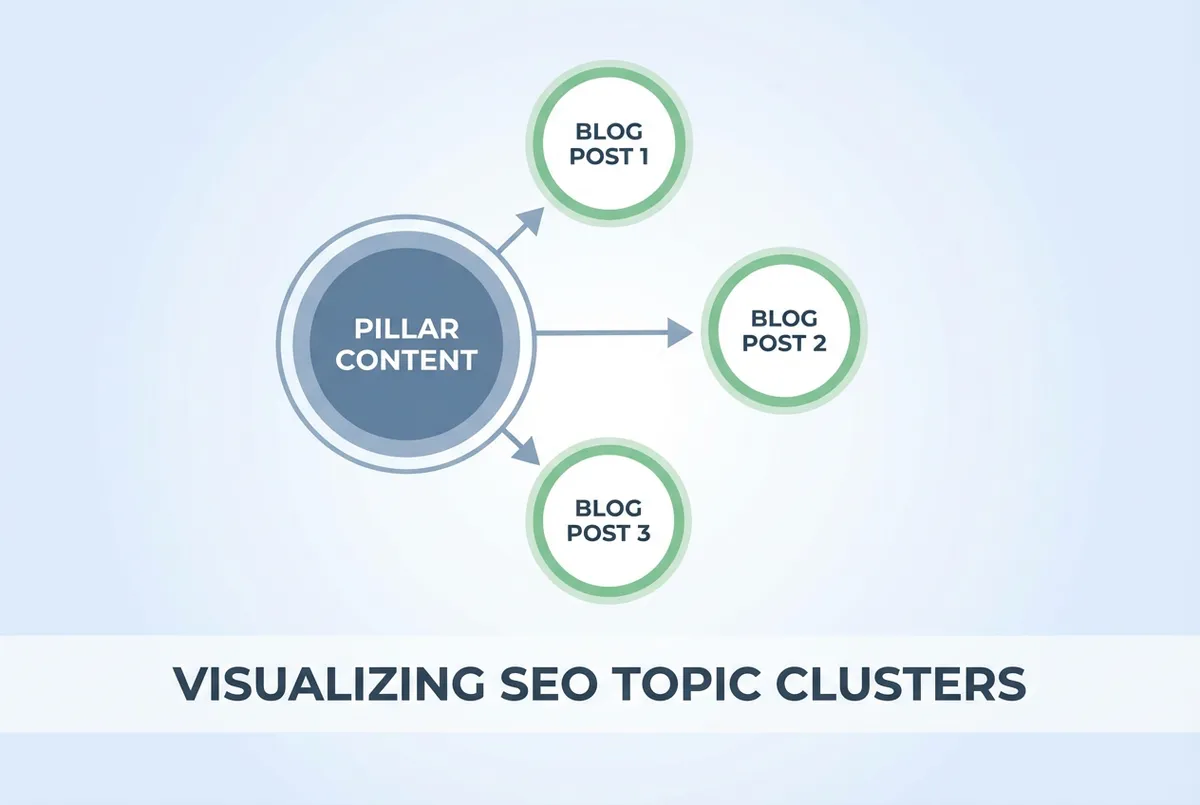
Common restaurant SEO mistakes that hurt your Google rankings. Learn what to avoid and how to fix these issues to improve local search visibility.
Restaurant seo mistakes are common errors that stop your business appearing when hungry customers search nearby. Wrong categories on your Google Business Profile, inconsistent name and address info across directories, poor review management, and neglected profiles can all drop a restaurant from the top three map results to complete invisibility within months.
You've claimed your Google Business Profile. Added photos. Asked customers for reviews. Yet when someone searches "restaurants near me" in your area, you're nowhere. Meanwhile, that new place down the road, open six months, shows up in the top 3.
Frustrating? Yes. But fixable. These common restaurant seo mistakes are likely the reason. Fix them and your visibility can transform within weeks.
According to Moz's Local Search Ranking Factors research, simple errors in local SEO setup can drop a business from the top 3 map results to complete invisibility. This guide covers the ten most damaging restaurant seo mistakes we see repeatedly, explaining what goes wrong and how to fix it.
Related: Restaurant Local SEO (hub page)
What You'll Learn
Here's what this guide covers:
- Google Business Profile mistakes that kill your visibility
- Website errors that confuse Google's algorithm
- Review and citation problems that hurt rankings
- How to audit and fix each issue

| Mistake | Impact | Difficulty to Fix | Priority |
|---|---|---|---|
| Wrong categories | High | Easy | Immediate |
| Inconsistent NAP | High | Medium | Immediate |
| Ignoring reviews | Medium | Easy | High |
| Incomplete profile | Medium | Easy | High |
| Keyword stuffing | High | Easy | Immediate |
Mistake 1: Wrong or Generic Business Categories
This is the most common of all restaurant seo mistakes, and often the most damaging. Your Google Business Profile category tells Google what searches to show your restaurant for.
The Problem
Using "Restaurant" instead of your specific cuisine type means Google doesn't know when to show you. Someone searching "Thai food Manchester" won't see a business categorised simply as "Restaurant."
How to Fix It
- Log into Google Business Profile
- Click "Edit profile" then "Business information"
- Select the most specific primary category available
- Add relevant secondary categories
Examples of specific categories:
- Thai Restaurant (not Restaurant)
- Fish and Chip Shop (not Fast Food Restaurant)
- Italian Restaurant (not European Restaurant)
Real example: A Mediterranean restaurant in Bristol was categorised as "Restaurant" for two years. After changing to "Mediterranean Restaurant" with secondary categories "Greek Restaurant" and "Turkish Restaurant," they started appearing for all three cuisine searches within four weeks.
Mistake 2: Inconsistent NAP Information
Moving from categories to another foundational error: NAP stands for Name, Address, and Phone number. When this information differs across the web, Google loses confidence in your business data.
Real example: A fish and chip shop in Newcastle had three different phone numbers across directories. After fixing to one number everywhere, direction requests from Google increased 35% within eight weeks.
The Problem
Your address appears as "123 High Street" on Google but "123 High St." on TripAdvisor. Your phone number is different on Yelp than on your website. These inconsistencies tell Google your business information isn't reliable.
If you're thinking "does a small abbreviation really matter?", the reality is that Google's algorithm treats these as potentially different businesses. BrightLocal research shows NAP inconsistency is one of the top factors hurting local rankings.
How to Fix It
- Choose one exact format for your NAP
- Audit every directory where you appear
- Update inconsistent listings to match exactly
- Check quarterly for new inconsistencies
Related: Restaurant Citations
Mistake 3: Ignoring or Mishandling Reviews
Beyond NAP issues, reviews are a major ranking factor. Poor review management is one of the most self-inflicted restaurant seo mistakes, and one of the easiest to fix.
The Problem
Three common review errors:
- Not asking for reviews (low quantity)
- Not responding to reviews (signals disengagement)
- Responding poorly to negative reviews (damages reputation)
According to BrightLocal's Local Consumer Review Survey, 89% of consumers read businesses' responses to reviews. Your response is as visible as the review itself.
How to Fix It
For quantity: Create a system. QR codes on receipts. Staff trained to ask. Post-visit emails. Aim for 2-4 new reviews per week.
For responses: Reply to every review within 48 hours. Thank positive reviewers specifically. Address negative reviews professionally: apologise, take responsibility, offer to resolve offline.
Warning
Never argue publicly, make excuses, or blame the customer. You lose even when you're right.
Real example: A pizza restaurant had a 3.8 rating and didn't respond to reviews. After implementing response protocol and active review requests, they reached 4.4 stars within six months, and moved from invisible to position 2 in local pack.
Related: Restaurant Reviews SEO
Mistake 4: Incomplete Google Business Profile
With reviews covered, let's look at your profile completeness. An incomplete profile tells Google your business isn't fully established, and customers see empty sections as red flags.
Real example: A cafe in Leeds had only 3 photos and no description. After adding 20 photos, a full description, and their menu, impressions increased 85% and direction requests doubled within two months.
The Problem
Missing information includes:
- No description or a one-sentence description
- Few or no photos
- No menu uploaded
- Missing attributes (wheelchair access, outdoor seating, etc.)
- No posts or updates
According to Google's Business Profile guidelines, complete profiles are 70% more likely to attract location visits than incomplete ones.
How to Fix It
Complete every available field:
- Write all 750 characters of your description
- Upload 15+ photos (exterior, interior, food, team)
- Add your full menu
- Check all applicable attributes
- Post weekly updates
Related: Restaurant Google Business Profile
Mistake 5: Keyword Stuffing in Business Name
Here's a common mistake that feels smart but backfires. Some restaurant owners think adding keywords to their Google Business Profile name will help rankings. It does the opposite.
Real example: A burger restaurant listed their name as "Best Burgers London Amazing Quality Burgers Near Me." Google suspended their listing. After they changed it to simply "Smokey Joe's Burgers," their listing was restored and they ranked better than before.
The Problem
Business name shows as "Mario's Italian Restaurant Manchester Best Pizza Near Me" instead of just "Mario's Italian Restaurant." This violates Google's guidelines.
Google actively penalises keyword-stuffed names. You might get suspended, or your ranking potential gets limited.
How to Fix It
Use only your real business name, the one on your signage and legal documents. "Mario's Italian Restaurant" is fine. "Mario's" alone is fine. No keywords, no locations (unless genuinely part of your registered name).
Mistake 6: No Website or a Non-Mobile-Friendly Website
Moving from your profile to your website: this asset supports your Google Business Profile rankings. Missing or broken websites hurt you.
The Problem
Either you have no website (missing ranking signals) or your website doesn't work on mobile (bad user experience). According to Google, over 60% of restaurant searches happen on mobile devices.
Real example: A French restaurant in Manchester had a beautiful desktop website but it took 12 seconds to load on mobile. After switching to a simpler, mobile-first design, their bounce rate dropped from 75% to 35% and booking enquiries increased by 28%.
How to Fix It
No website: Even a simple one-page site with your NAP, hours, menu, and booking info helps. Use platforms like Squarespace or Wix if budget is tight.
Non-mobile site: Test at Google's Mobile-Friendly Test. If it fails, rebuild or switch platforms. In 2026, a non-mobile site is unacceptable.
Pro Tip
Your website NAP must match your Google Business Profile exactly. Inconsistency between your own properties is especially damaging.
Related: Restaurant Google Maps SEO
Mistake 7: Not Tracking Performance
With the technical basics covered, let's talk about measurement. You can't fix what you don't measure. Many restaurants have no idea whether their SEO is working.
The Problem
No baseline data means you can't tell if changes help or hurt. If you can't tell which searches bring customers versus which just bring impressions, that's a sign your tracking needs work, which is exactly what our local SEO tools are built to automate.
Real example: A sushi restaurant in Edinburgh spent six months optimising their website but never checked their Google Business Profile insights. When they finally looked, they discovered 70% of their customers found them through Maps, not organic search. They'd been optimising the wrong thing.
How to Fix It
Monthly checks:
- Google Business Profile insights (what queries trigger your listing?)
- Google Search Console (if you have a website)
- Manual searches in incognito for your key terms
What to track:
- Local pack position for target keywords
- Direction requests from Google Business Profile
- Website clicks from Business Profile
- Review count and average rating
Mistake 8: Duplicate or Outdated Listings
Beyond tracking, there's the issue of legacy data. Old or duplicate listings split your reviews and confuse Google about your actual location.
The Problem
You moved locations two years ago but the old address still appears on some directories. Or your restaurant has two Google Business Profile listings because someone created a duplicate.
How to Fix It
- Google your restaurant name and note every listing
- Identify outdated information and duplicates
- Claim or report duplicates for removal
- Update old addresses and phone numbers
- Audit quarterly
Real example: A curry house discovered they had three TripAdvisor listings: one from their old location, one with a misspelled name, and one correct. Reviews were split three ways. After consolidation, their single listing had 180+ reviews and jumped to TripAdvisor's top 10 for their area.
Mistake 9: Forgetting About Local Citations
Related to duplicate listings, there's the issue of missing citations. Beyond Google and TripAdvisor, your restaurant should appear on UK-specific directories.
The Problem
You've optimised Google but ignored Yell.com, Yelp UK, The Good Food Guide, and local directories. These citations strengthen your overall local presence.
How to Fix It
Priority UK citations:
- TripAdvisor (critical)
- Yelp UK
- Yell.com
- Facebook Business
- OpenTable (if relevant)
- Local council directories
Remember: consistency matters more than quantity. 15 accurate citations beat 50 inconsistent ones.
Related: Restaurant Citations
Mistake 10: Set and Forget Mentality
The final and perhaps most pervasive of restaurant seo mistakes: treating SEO as a one-time project.
The Problem
You optimised everything two years ago and haven't touched it since. Your competitors have been actively posting, gathering reviews, and updating their profiles. Google rewards active businesses.
Real example: A steakhouse in Newcastle set up their Google Business Profile in 2022 and never updated it. When they finally logged in three years later, their competitors had three times more reviews and dominated local search. They'd lost an estimated 40% of potential discovery searches to more active competitors.
How to Fix It
Weekly (15 minutes):
- Respond to new reviews
- Add 1-2 new photos
- Post an update
Monthly (30 minutes):
- Check insights
- Update any changed information
- Monitor competitors
Quarterly (1-2 hours):
- Full citation audit
- Review keyword targeting
- Competitor analysis
Related: Restaurant SEO Checklist
Key Takeaways
If you run a restaurant and want to see how Local Brand Hub can support your marketing, explore our restaurant marketing tools.
Avoiding Restaurant SEO Mistakes
Avoiding these restaurant seo mistakes requires:
- Specific categories that match your cuisine type
- Consistent NAP across every directory and your website
- Active review management including responses and generation
- Complete profiles with photos, menu, and regular updates
- Ongoing attention rather than set-and-forget approach
This is part of our comprehensive Restaurant Local SEO guide.
Weekly Action
This week, audit for the most damaging mistakes:
- Day 1-2: Check your Google Business Profile categories: are they specific enough?
- Day 3-4: Google your restaurant name and look for NAP inconsistencies
- Day 5-7: Respond to any unanswered reviews and add 3-5 new photos
Fix the basics first. Advanced optimisation only helps once these fundamentals are solid.
For UK restaurants
Want help identifying restaurant SEO mistakes?
LocalBrandHub includes automated auditing that catches these issues before they hurt your rankings.
See how it worksGet More Marketing Tips
Practical marketing tips for UK business owners, straight to your inbox. No spam, unsubscribe anytime.
About the Author
Local Brand Hub
Empowering UK Businesses
Local Brand Hub provides comprehensive business management tools designed specifically for UK local businesses to streamline operations, automate marketing, and grow revenue.
More articlesRelated Articles
 Marketing Tips
Google Restaurant Reviews: Complete UK Guide
Discover why 75% of consumers regularly check reviews before dining out. Get actionable tips to boost reviews, respond professionally, and handle fakes.
 Marketing Tips
Restaurant SEO: UK Guide to Local Rankings 2026
Help UK restaurants rank higher when customers search online. The 80/20 rule, local SEO tactics, and tips you can implement today.
 Marketing Tips
Restaurant SEO Services: How to Choose the Right One
Compare UK restaurant SEO services from £300 to £2,000/month. Learn what's included, red flags to avoid, and when DIY is enough.